Users and access
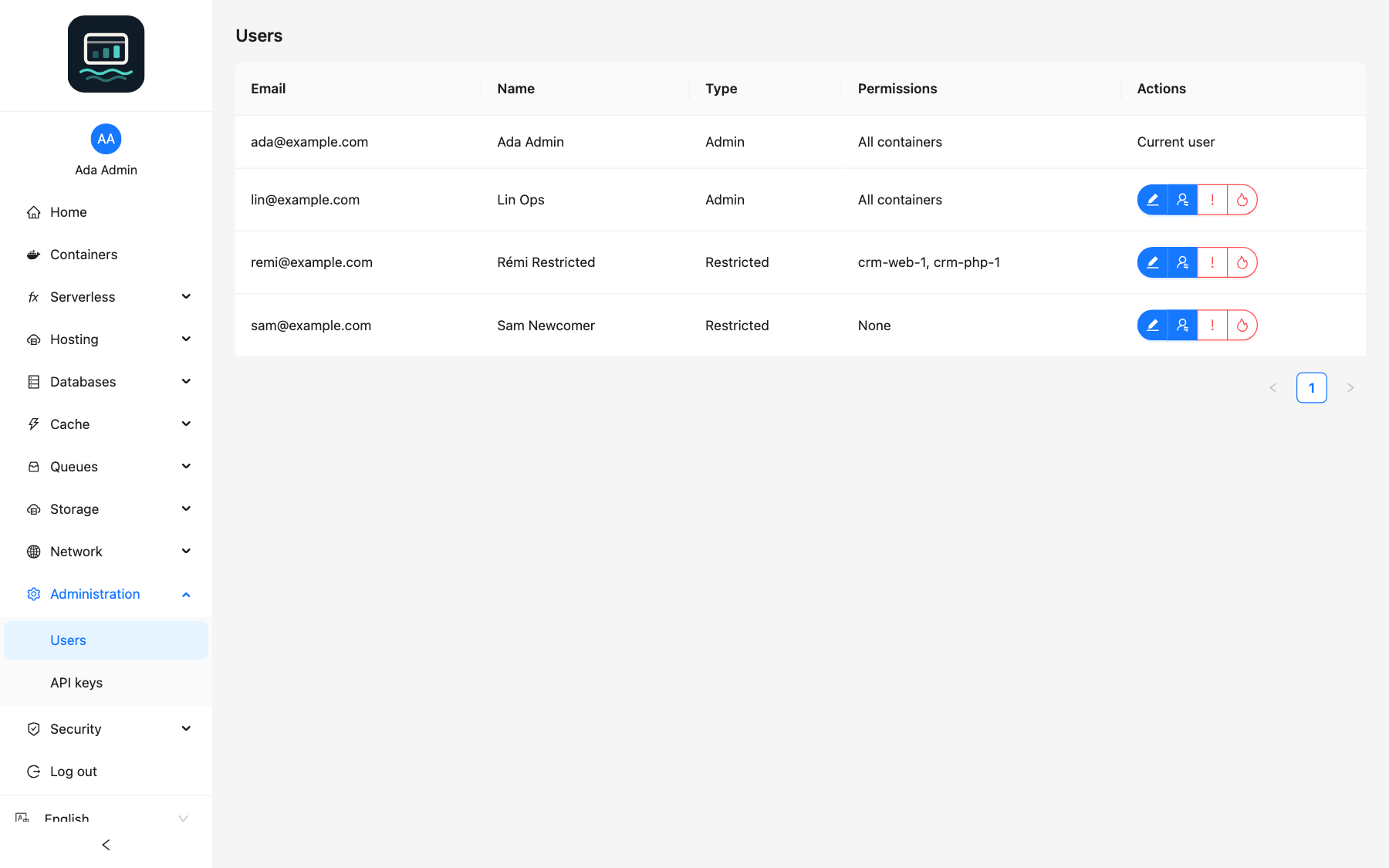
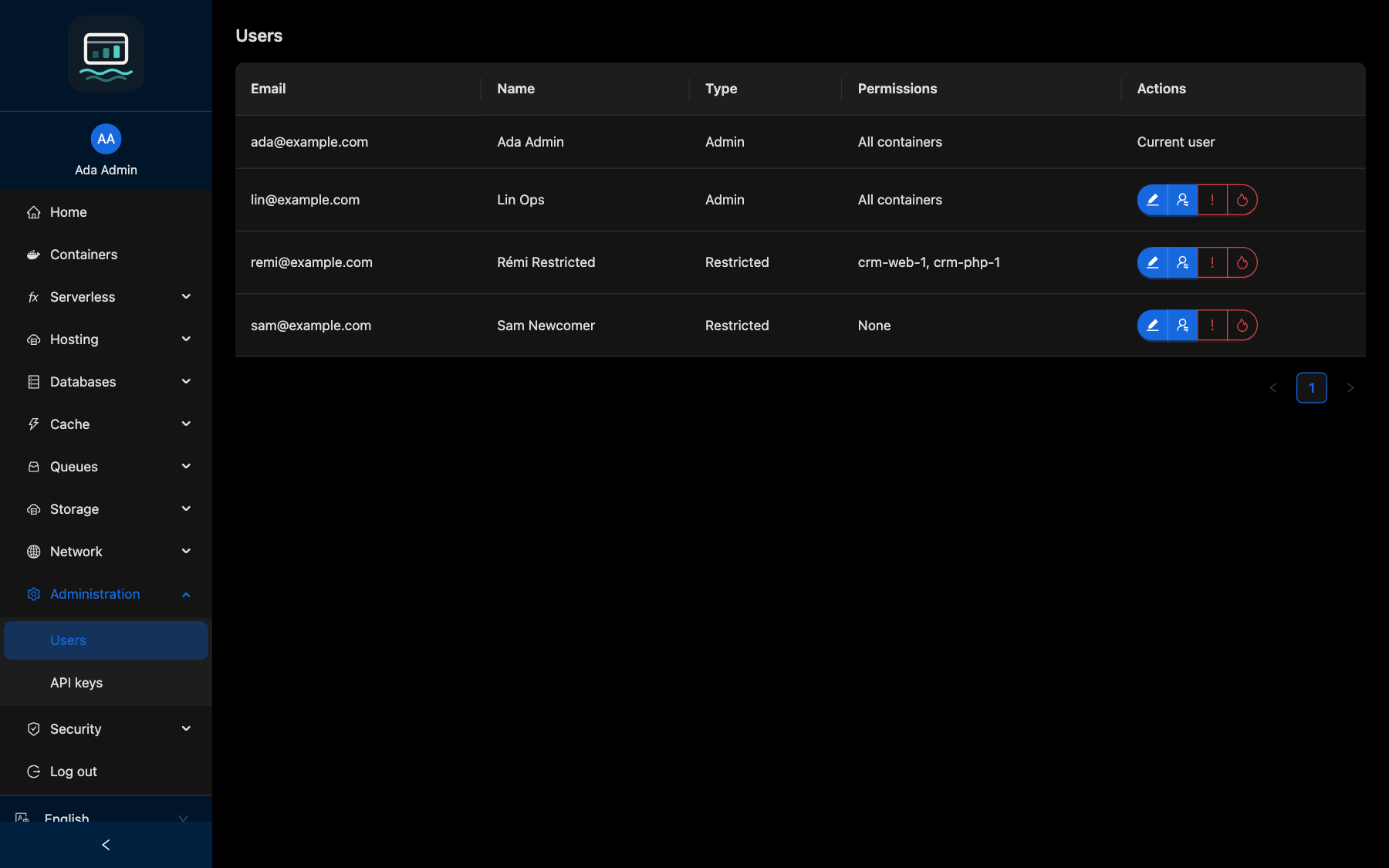
Users come from your OIDC provider: an account is created at its first login. Only admins manage users, from Administration → Users.
Profiles
| Profile | Containers | Admin features |
|---|---|---|
| Admin | All | Users, domains, websites, SFTP, managed services, private networks, audit trail |
| Restricted | Only those granted by an admin | None (403) |
- The first user to log in becomes admin.
- Every later user starts restricted, with no container.
Every user, whatever the profile, manages their own API keys and can use scheduled tasks.
Grant containers
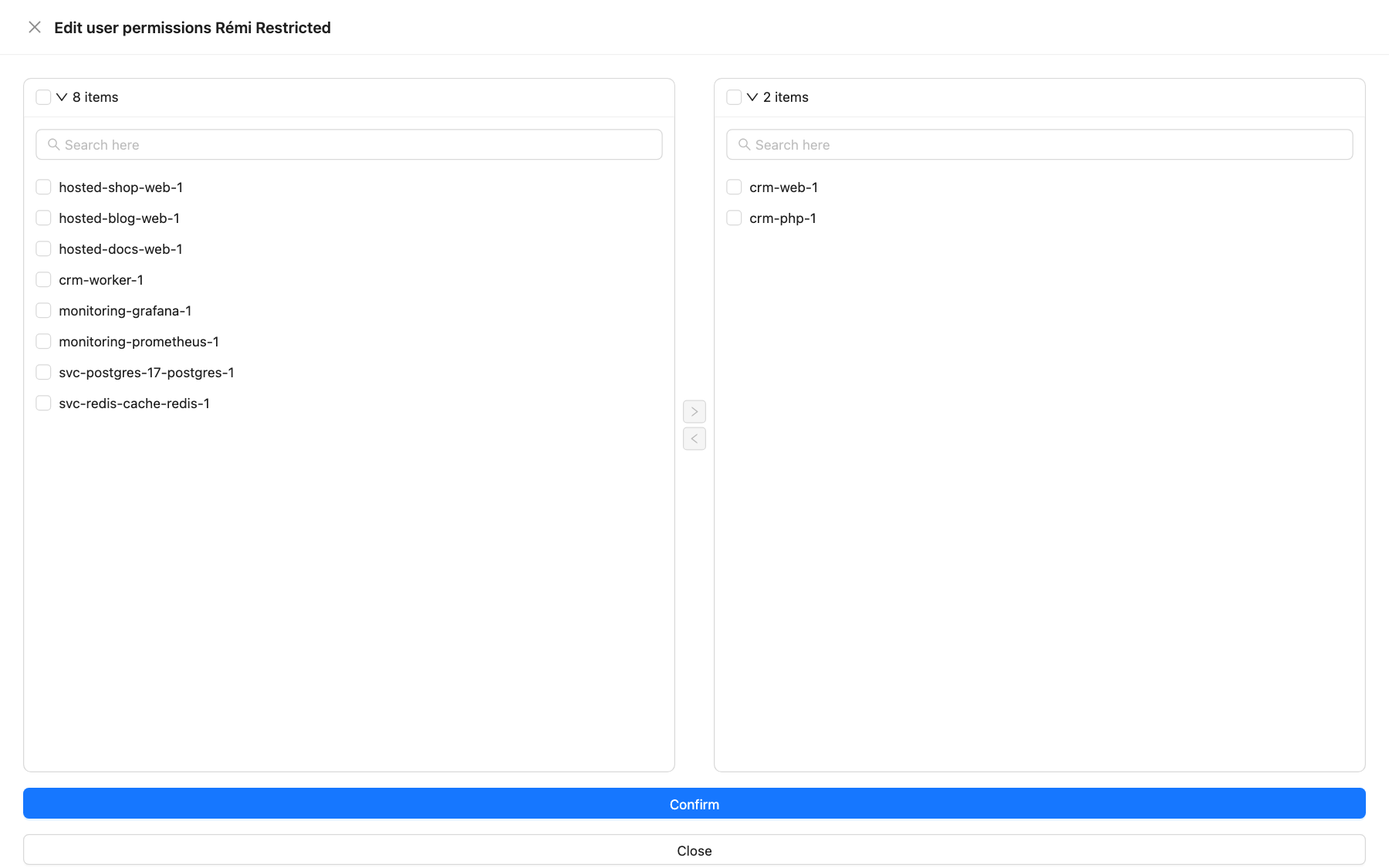
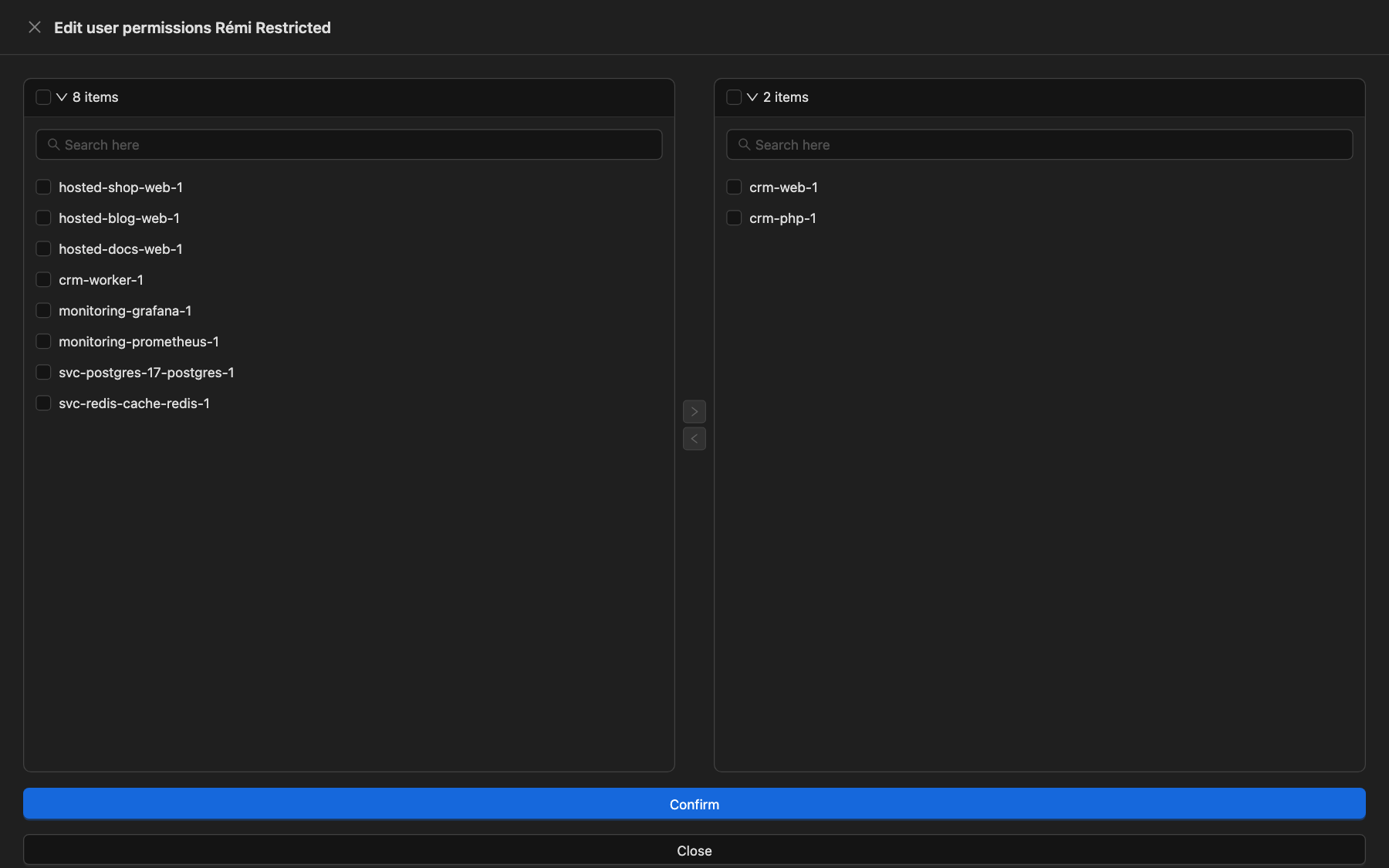
- In Users, click Edit on the user's row.
- In the side panel, move the containers to the right-hand list (use Search for a container to filter).
- Click Confirm.
The Permissions column then lists the granted containers. A restricted user sees and acts only on those containers (logs, shell, file copy, stats, actions, scheduled tasks).
Actions
| Button | Effect |
|---|---|
| Edit | Choose the containers of a restricted user |
| Turn into admin | Promote: access to every container and admin feature |
| Turn into restricted user | Demote to restricted |
| Deny all containers | Make restricted and remove every granted container |
| Delete | Delete the user and revoke all their API keys |
Your own row shows Current user instead of buttons: another admin must change your profile.
From the CLI
loch users ls
loch users grant alice@example.com web-1 db-1
loch users revoke alice@example.com db-1
loch users promote alice@example.com
loch users demote alice@example.com
loch users rm alice@example.com
See the Loch CLI documentation.
Good to know
- Access is granted by container name: a container recreated with the same name keeps its users; a renamed one does not.
- Function containers (
fn-*) can never be granted to a restricted user. - Containers with a
systemlabel are not listed in the panel. - An API key carries the profile of its user: a restricted user's key never reaches admin routes, whatever its scopes (scopes).
- Deleting a user does not block their OIDC account: they get a new restricted account at their next login. Block them in the provider.
- Every change is recorded in the audit trail.