SFTP accounts
The SFTP module creates SFTPGo users so that website owners can upload their files. SFTPGo is the only source of truth: the panel stores nothing.
Admin only. Requires a running SFTPGo and SFTP_ENABLED=true.
Enable the module
-
In the SFTPGo admin interface, create an admin API key.
-
Add the variables to the API
.env:SFTP_ENABLED=trueSFTP_DIRECTORY=/data/websites/hostedSFTP_API_URL=http://sftpgo:8080SFTP_API_KEY=<the admin API key>SFTP_DOMAIN=sftp.example.comSFTP_PORT=2222SFTP_WEB_USER_INTERFACE=https://sftp.example.com/web/client -
Restart the API. Hosting → SFTP appears for admins.
| Variable | Role | Default |
|---|---|---|
SFTP_DIRECTORY | Base directory of the sites | required |
SFTP_API_URL | Internal URL of the SFTPGo admin API | required |
SFTP_API_KEY | SFTPGo admin API key | required |
SFTP_DOMAIN, SFTP_PORT | Connection details shown to users | none |
SFTP_WEB_USER_INTERFACE | URL of the SFTPGo web client shown to users | none |
SFTP_INIT_DIRS | Directories created in a new user's home (empty: none) | web,logs |
Use the same directory as HOSTING_SITES_DIRECTORY so that SFTP users edit the files of the websites. Only SFTPGo users whose home is under SFTP_DIRECTORY are shown; the others are ignored.
Sites and users
- A site is a directory under
SFTP_DIRECTORY. It is created with its first user and shared by all its users. - A user can be limited to a Subdirectory of the site (for example
clients/smith). Leave it empty for the whole site. It is set at creation and cannot be changed.
Create a user
-
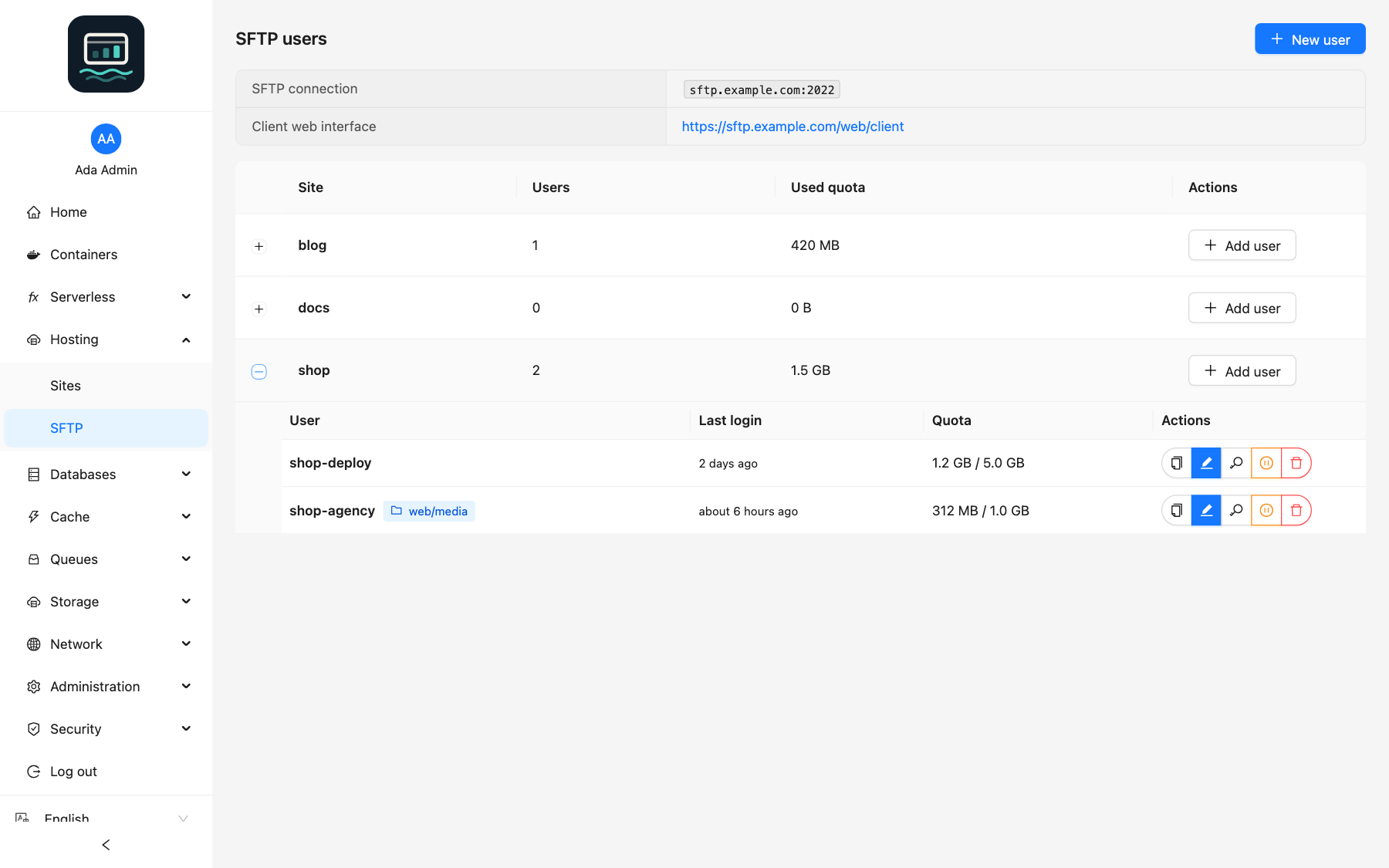
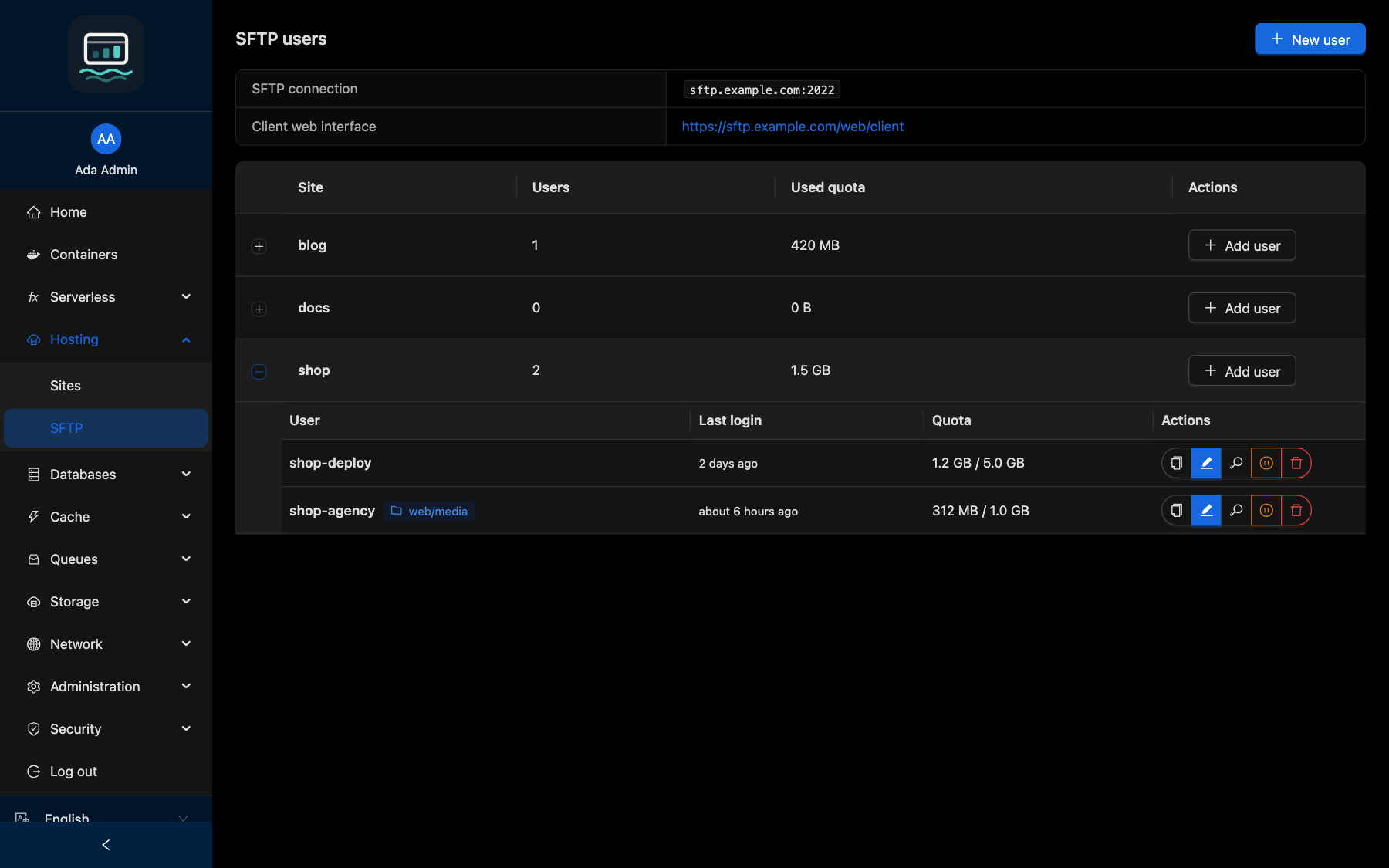
Open Hosting → SFTP and click New user (or Add user on a site row).
-
Fill in the form:
Field Notes Site Created if it does not exist Subdirectory Optional, fixed after creation Username Password At least 8 characters. Generate creates a strong one Public SSH key Optional: login without a password Size quota, File quota, Bandwidth limit Empty: unlimited Require password change at first login Initialize directories Creates the SFTP_INIT_DIRSdirectories in the user's home -
Click Create user, then Copy connection to send the details to the owner.
loch sftp create client1 --site my-site --subpath clients/smith
Every flag: CLI SFTP guide.
Directory initialization is best effort: if it fails, the user is still created and a warning is shown.
Manage users
| Action | Effect |
|---|---|
| Edit | Change the SSH key, quotas, bandwidth and password-change requirement. Site and subdirectory stay fixed |
| Reset password | Set a new password (at least 8 characters) |
| Enable / Disable | Allow or block logins |
| Delete | Removes the account. The files stay on disk |
loch sftp reset-password client1
Without --password, the CLI asks for the new password interactively, so it does not appear in the shell history.
Web client
When SFTP_WEB_USER_INTERFACE is set, the page shows the Client web interface link: users can manage their files from a browser, without an SFTP client.
Good to know
- Passwords are never logged nor returned by the panel: send them to the owner yourself, over a secure channel.
- Through the MCP server, a password generated when none is given is returned once.
- The home directory is built by the API: neither the site nor the subdirectory can leave
SFTP_DIRECTORY(no.,..or separators; a leading dot such as.well-knownis allowed). - Every operation is recorded in the audit trail.