Private networks
A private network decides which websites reach which service instances and functions. A site only sees the instances and functions on the networks it joins.
Admin only, always available from Network → Private networks. The shared network services exists when the services module is enabled.
What a network is
- A plain Docker
bridgenetwork, created internal: no Internet access through it. - Its Docker name is
loch-net-<name>. - Members reach each other by container name (
svc-postgres-17,hosted-shop-web-1). - Networks do not route to each other. A site on two networks talks to both, nothing more.
Every member's compose file declares its networks, with the docker network create command in its header: a stack still boots without the panel.
The services network
The shared network of the services module, listed first and tagged Shared.
- New sites join it by default, and so do instances created without a network.
- It cannot be deleted.
- ElasticMQ (no authentication) is refused on it.
Create a network
-
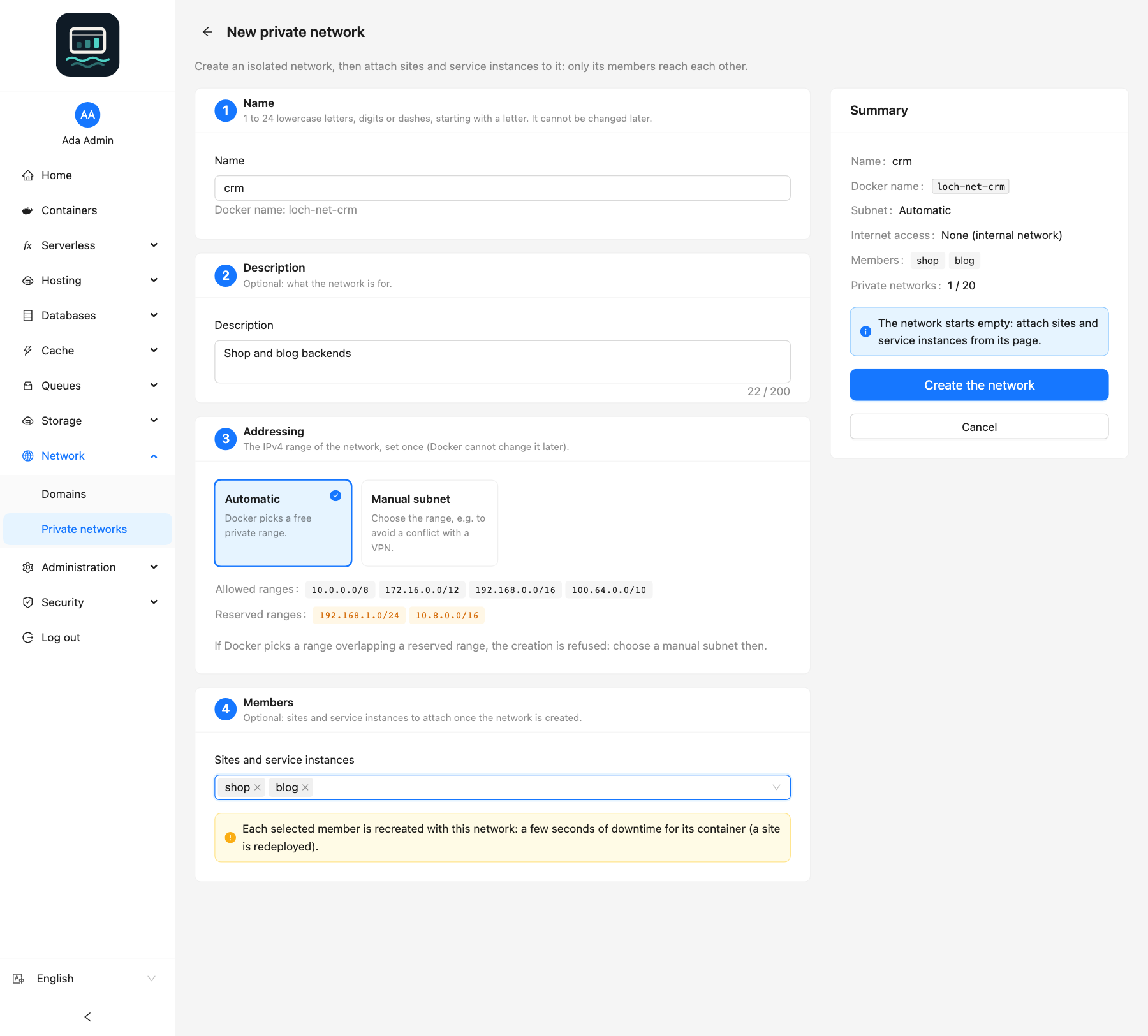
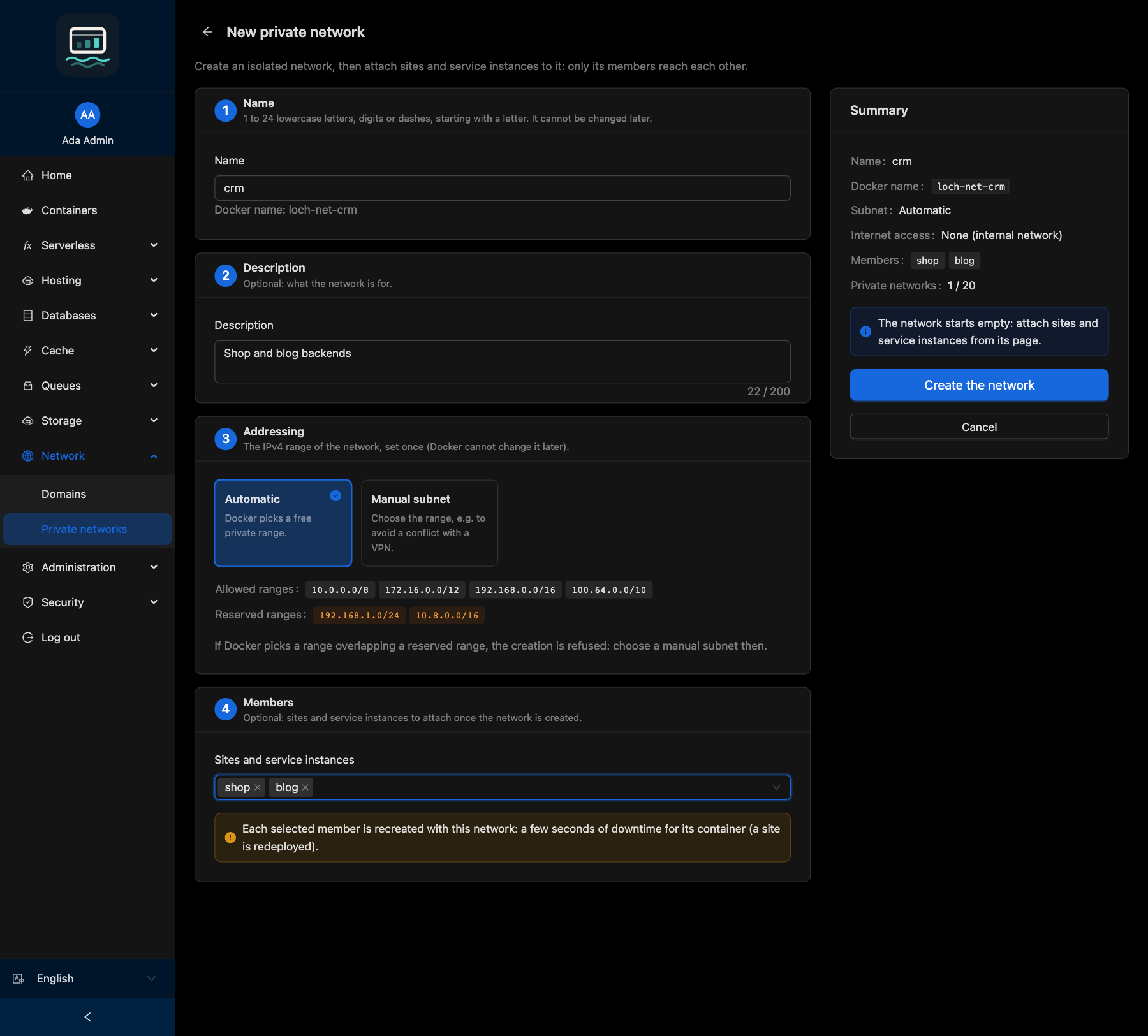
Click New network.
-
Fill in:
Field Rule Name 1 to 24 lowercase letters, digits or dashes, starting with a letter. Cannot be changed Description Optional, 200 characters max, editable later Addressing Automatic (Docker picks a free range) or Manual subnet: a private IPv4 range ( 10.0.0.0/8,172.16.0.0/12,192.168.0.0/16,100.64.0.0/10), from/16to/28Members Optional: sites, instances and functions to attach right away -
Click Create the network.
loch networks create backend --subnet 10.20.0.0/24 --description "Shop"
Every command: CLI networks guide.
Creation rules
- The names
services,pub,default,host,none,bridge,traefik,configanddockerare reserved. - At most
NETWORKS_MAXprivate networks (default 50;servicesdoes not count). - A subnet that overlaps another Docker network, or a range listed in
NETWORKS_RESERVED_RANGES(your LAN, a VPN), is refused. - The subnet cannot be changed later: create a new network and move the members.
Docker's default address pools hold about 31 networks for the whole host. Extend default-address-pools in /etc/docker/daemon.json before creating many networks.
Attach and detach members
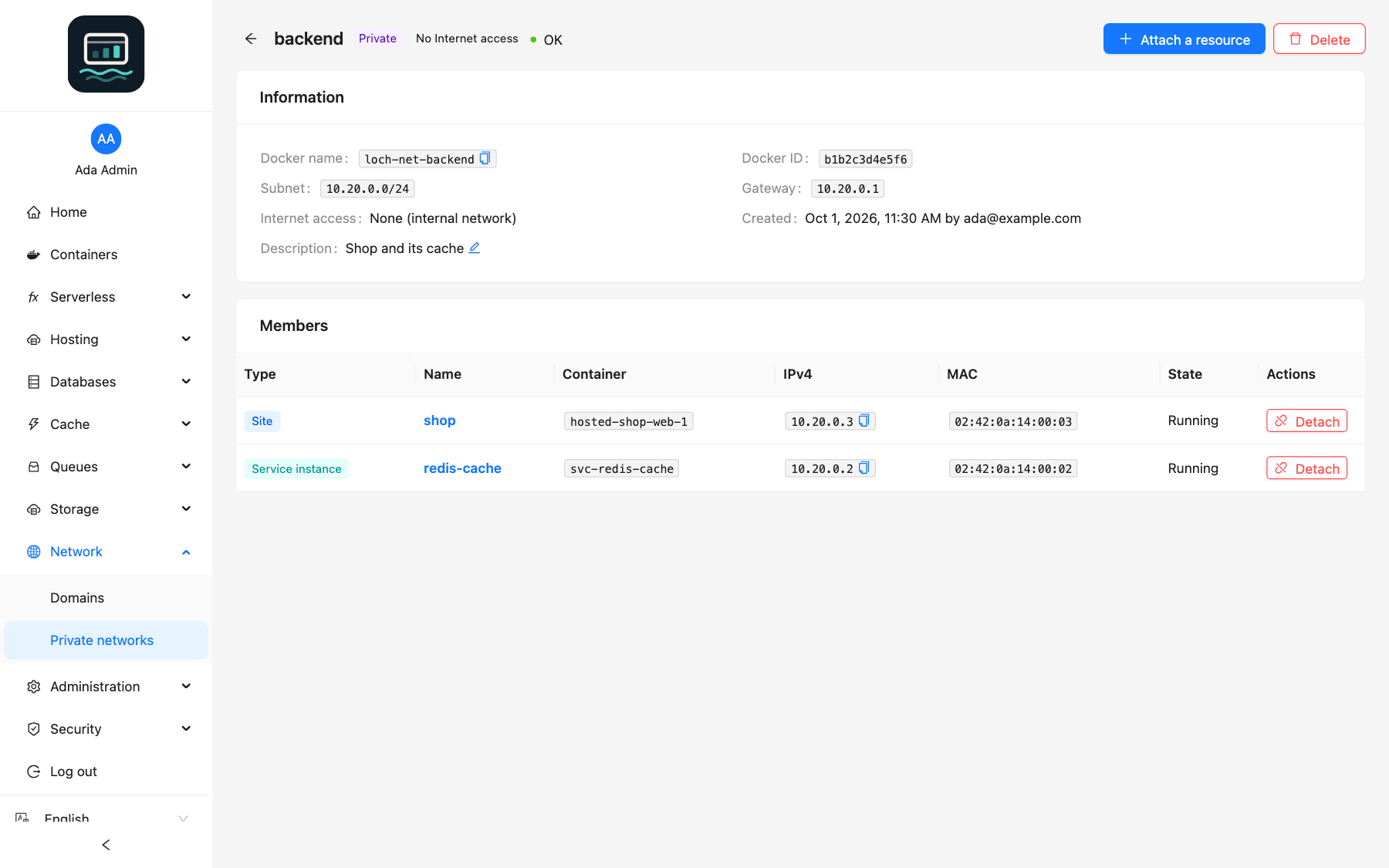
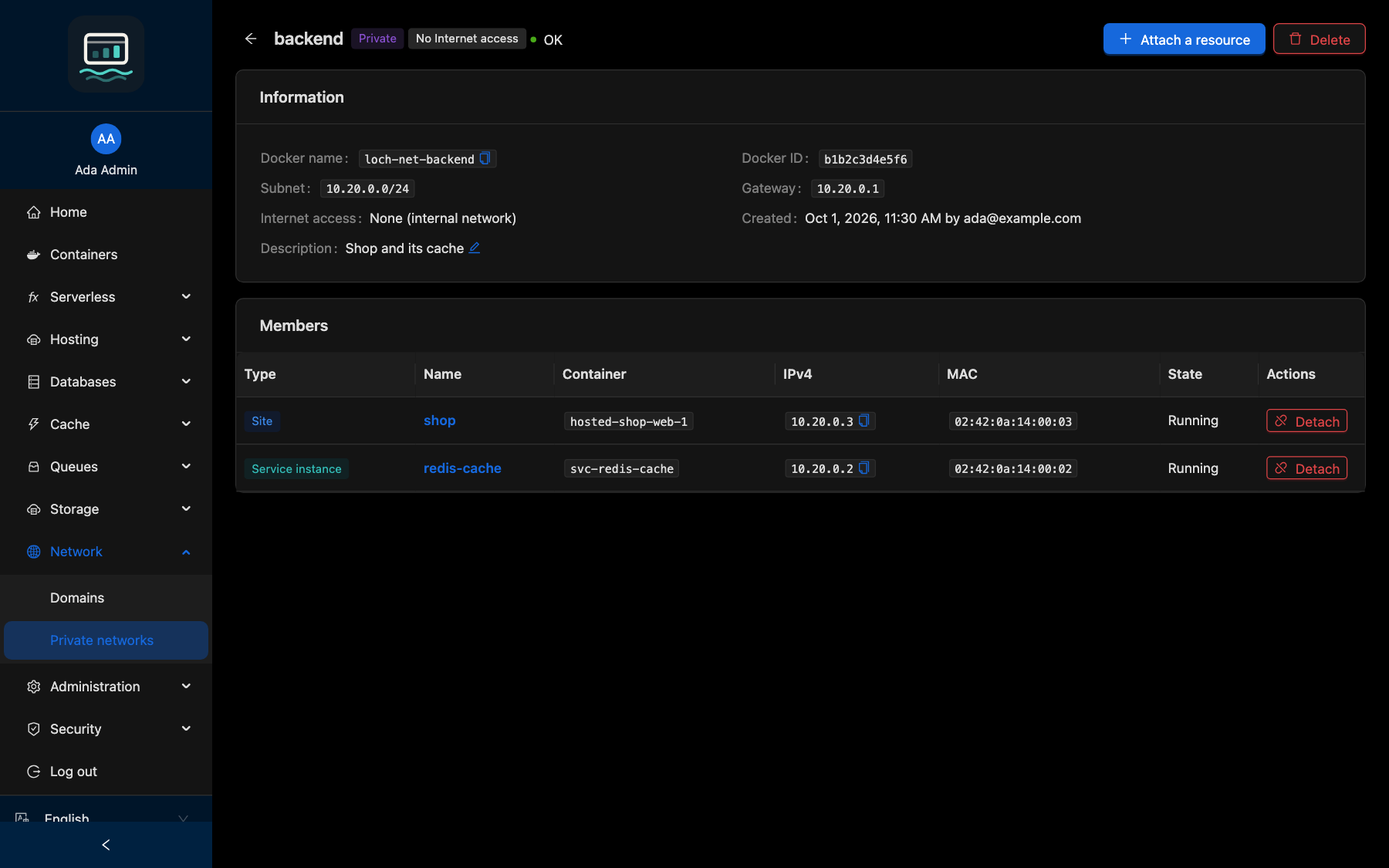
On the network page, click Attach a resource and choose a site, a service instance or a function. To remove one, click Detach on its row.
loch networks attach backend --site shop
loch networks detach backend --instance postgres-17
The member's container is recreated: a few seconds of downtime for that container only.
| Member | Behaviour |
|---|---|
| Site | Redeployed like a settings update. A site may have no network |
| Instance | Restarted (up to a few minutes). An instance keeps at least one network |
| Function | Recreated: an invocation in progress is cut. A function keeps at least one network and never joins services |
You can also change networks from the site settings (Networks), from the instance list (Change the networks) or from the Networks tab of a function. Attaching or detaching a function with an API key also needs functions:deploy.
Delete a network
Click Delete. A network must have no member left: detach them first.
loch networks delete backend
Good to know
- A network is not a boundary against CI or anyone using the Docker socket: any container can join a network by name. Such containers appear as Not managed; click Disconnect to remove them.
- Other Docker networks (tab on the list) shows every other network of the host, read-only.
- A missing network is recreated when the API starts. One replaced outside the panel is flagged and its members are not trusted.
- Sites on a panel network lose
NET_RAW. - IPv4 only. Traffic is clear text unless the engine uses TLS.
- Each function gets its own private network
fn-<name>at creation. Attach to it the sites and instances that invoke the function. It is deleted with the function, unless other members still use it.