Managed services
The services module runs databases, caches, message brokers and object storage for your websites, each from its official Docker image. You get credentials; the panel runs the engine.
Admin only. Requires SERVICES_ENABLED=true.
Enable the module
Add the variables to the API .env, then restart the API:
| Variable | Role | Default |
|---|---|---|
SERVICES_ENABLED | Enables the module | false |
SERVICES_DATA_DIRECTORY | Data of the instances, same path on the host and in the API container | /data/services |
SERVICES_ENGINES | Enabled engines, comma-separated (empty: all) | all |
The compose files go to HOSTING_STACKS_DIRECTORY, so the module needs that directory even when the Hosting module is off. Other variables (limits, exposure, TLS, version pinning): Configuration reference.
The menus Databases, Cache, Messaging, Queues and Storage list the enabled engines.
Shared and dedicated instances
| Topology | Engines | One instance | A resource is |
|---|---|---|---|
| Shared | PostgreSQL, MariaDB, MySQL, MongoDB, RabbitMQ | Per engine version (svc-postgres-17), used by every site | A database (or RabbitMQ virtual host) and its user |
| Dedicated | Redis, Valkey, NATS, ElasticMQ, Eclipse Mosquitto, Loch S3 | Per resource (svc-redis-cache), named and sized at creation | The instance itself |
- A shared instance starts with its first resource and is removed, with its data, when its last resource is deleted.
- A dedicated instance is deleted with its data.
Engines, versions and options: Services engines reference.
Create a resource
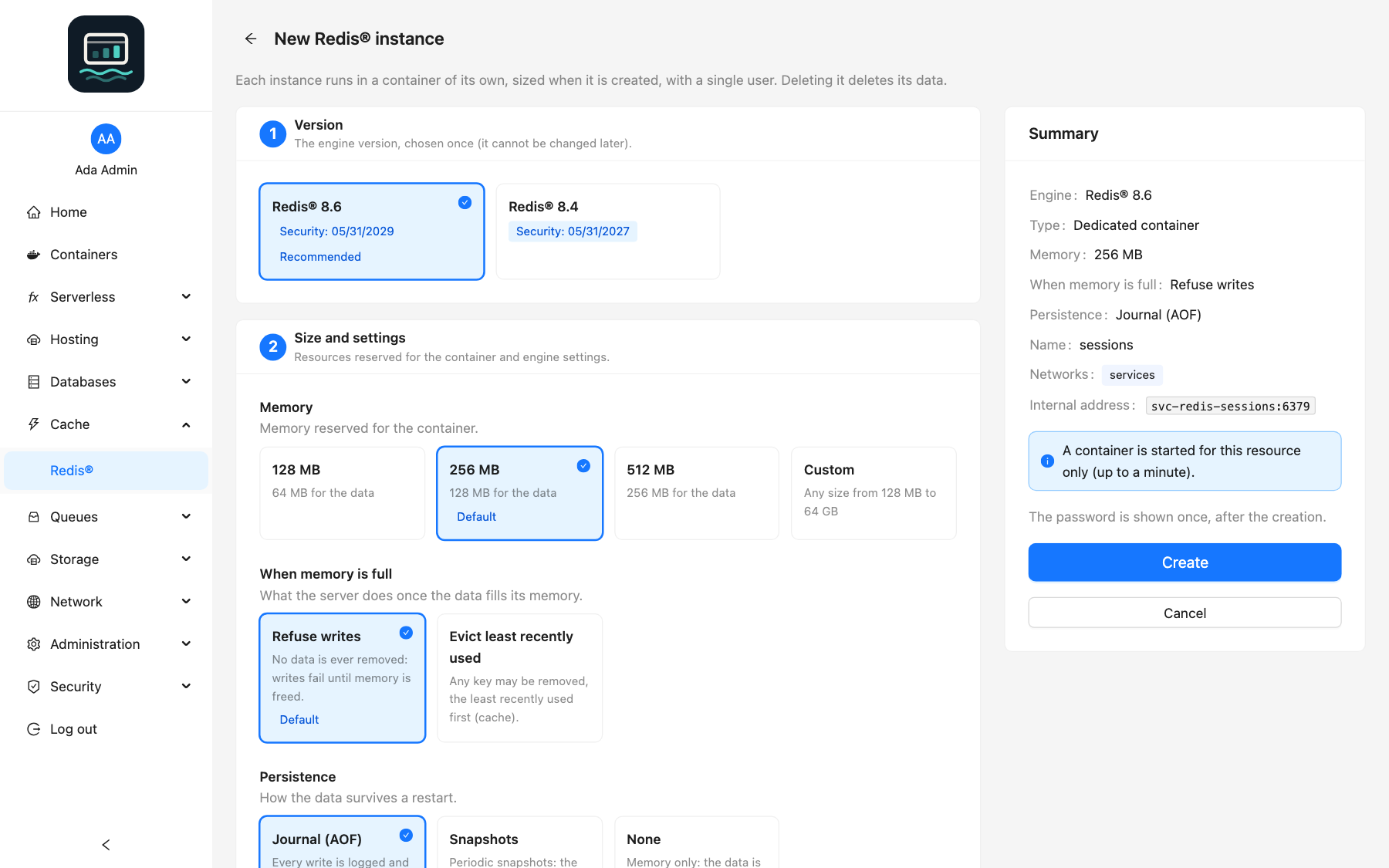
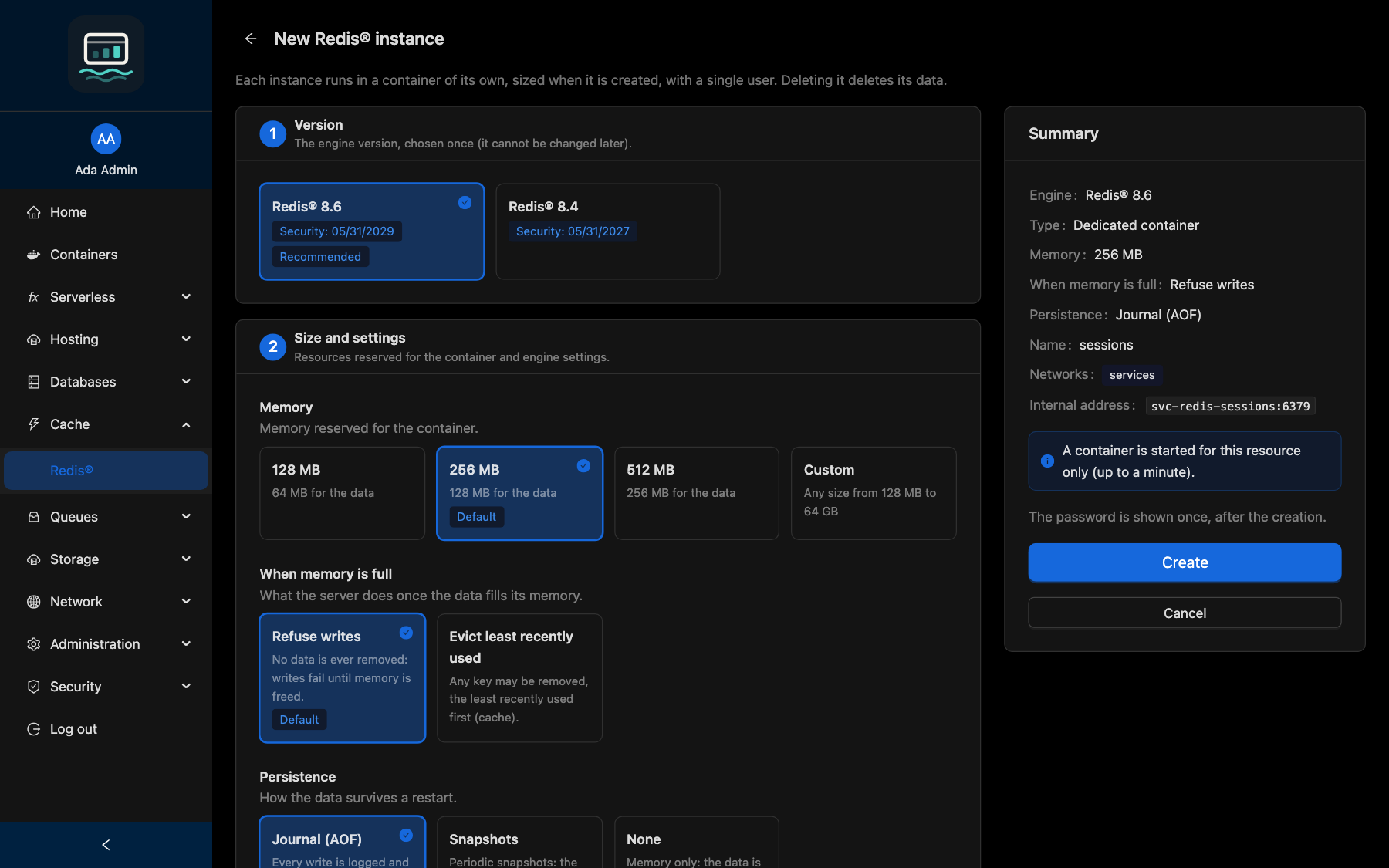
- Open the engine in the menu (for example Databases → PostgreSQL) and click New database (New instance for a dedicated engine).
- Choose the Version. It cannot be changed later.
- For a dedicated engine, fill in Size and settings. Custom accepts any size in a range.
- Under Network access, choose the networks (default:
services), then enter the Name. - Click Create.
loch services create shop --engine postgres --version 17
Every flag: CLI services guide.
Credentials
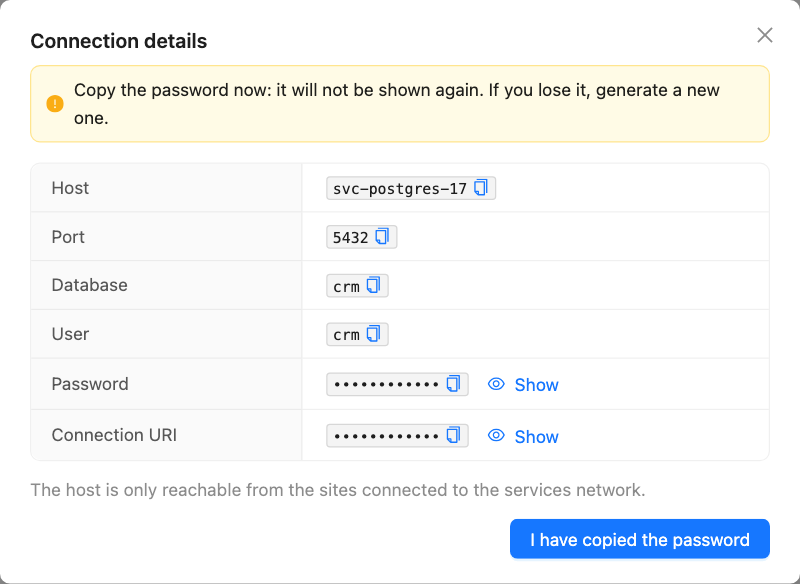
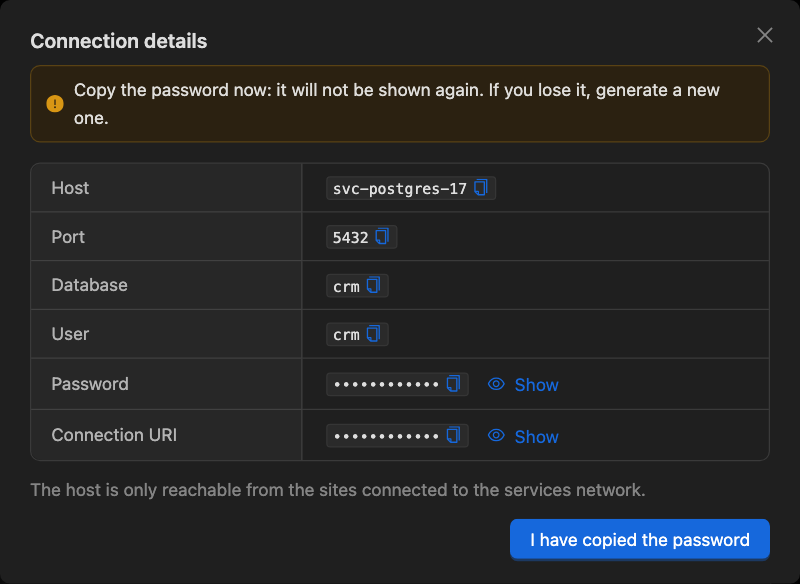
After creation, Connection details shows the host, port, user, password and connection URI.
The password is shown once. Copy it before you click I have copied the password. If you lose it, generate a new one.
New password generates another one. The old one stops working at once and open connections are closed; a dedicated instance restarts.
loch services reset-password postgres-17 shop
The MCP server never returns a password: run loch services reset-password in a terminal.
Resize a dedicated instance
Click Edit on the instance, change its size or settings, then confirm. The container is recreated: clients are disconnected for a few seconds, data is kept. If it does not start, the previous settings are restored. Settings marked Set at creation never change.
loch services update redis-cache --option memory=1024
Update a dedicated instance
The panel discovers the published versions every 12 hours (or click Check for updates). When an instance shows Update available, click Update and choose:
- the latest image of its version (same data format), or
- one of up to 3 newer versions.
The image is pulled, then the instance is recreated. If it does not start, the previous version is restored. There is never a downgrade.
loch services upgrade redis-cache
No backup is made before a version change, and there is no way back. Back up the data first.
Shared instances are not updated: create the resources on an instance of the new version and move the data.
Publish a port
By default an instance is Internal only: only the sites on its networks reach it. To let clients outside Docker connect, click Configure the published port, enter an address and a port, then Publish. The instance restarts.
loch services expose postgres-17 127.0.0.1:5417
The server environment sets the allowed addresses (SERVICES_EXPOSE_ALLOWED_CIDRS, default 127.0.0.1). On a public address, TLS becomes mandatory for every client, the sites included. Publishing needs the services:expose scope for API keys and is not available through the MCP server.
Delete
| What | How |
|---|---|
| A database or virtual host | Delete, type the name. The last one also removes the shared instance and its data |
| A dedicated instance | Delete, type the name. Data deleted |
| An empty shared instance | Remove instance |
loch services delete postgres-17 shop
Deletion is final.
Good to know
- Passwords are random (about 190 bits), generated by the panel, never chosen by users and never stored in clear (except the Loch S3 secret, which SigV4 needs).
- ElasticMQ has no authentication: it is refused on the shared
servicesnetwork. Put it on a private network shared only with the sites allowed to use it. - An instance whose files were edited by hand is shown Edited by hand and never run by the panel. Restore the files, or delete it with its data.
- A network is not a boundary against whoever can use the Docker socket or deploy CI stacks.
- More: Security.