Websites
The Hosting module lets an admin create a website without writing a compose file. Each site is a plain Docker Compose project generated by the panel: it still boots with docker compose up -d if the panel is down.
Admin only. Requires HOSTING_ENABLED=true and a running Traefik.
Enable the module
Add these variables to the API .env, then restart the API:
| Variable | Role | Default |
|---|---|---|
HOSTING_ENABLED | Enables the module | false |
HOSTING_TRAEFIK_NETWORK | External Docker network shared with Traefik | required |
HOSTING_STACKS_DIRECTORY | Where the compose projects are written | /data/compose |
HOSTING_SITES_DIRECTORY | Where the site files live (usually the SFTP directory) | /data/websites/hosted |
Both directories must exist, be writable, and be mounted at the same path in the API container (-v /data/compose:/data/compose). The API refuses to start otherwise. The Traefik network is not checked at startup: if it is missing, deployments fail.
Traefik entrypoints, certificate resolver and resource limits: see Configuration reference.
Create a website
-
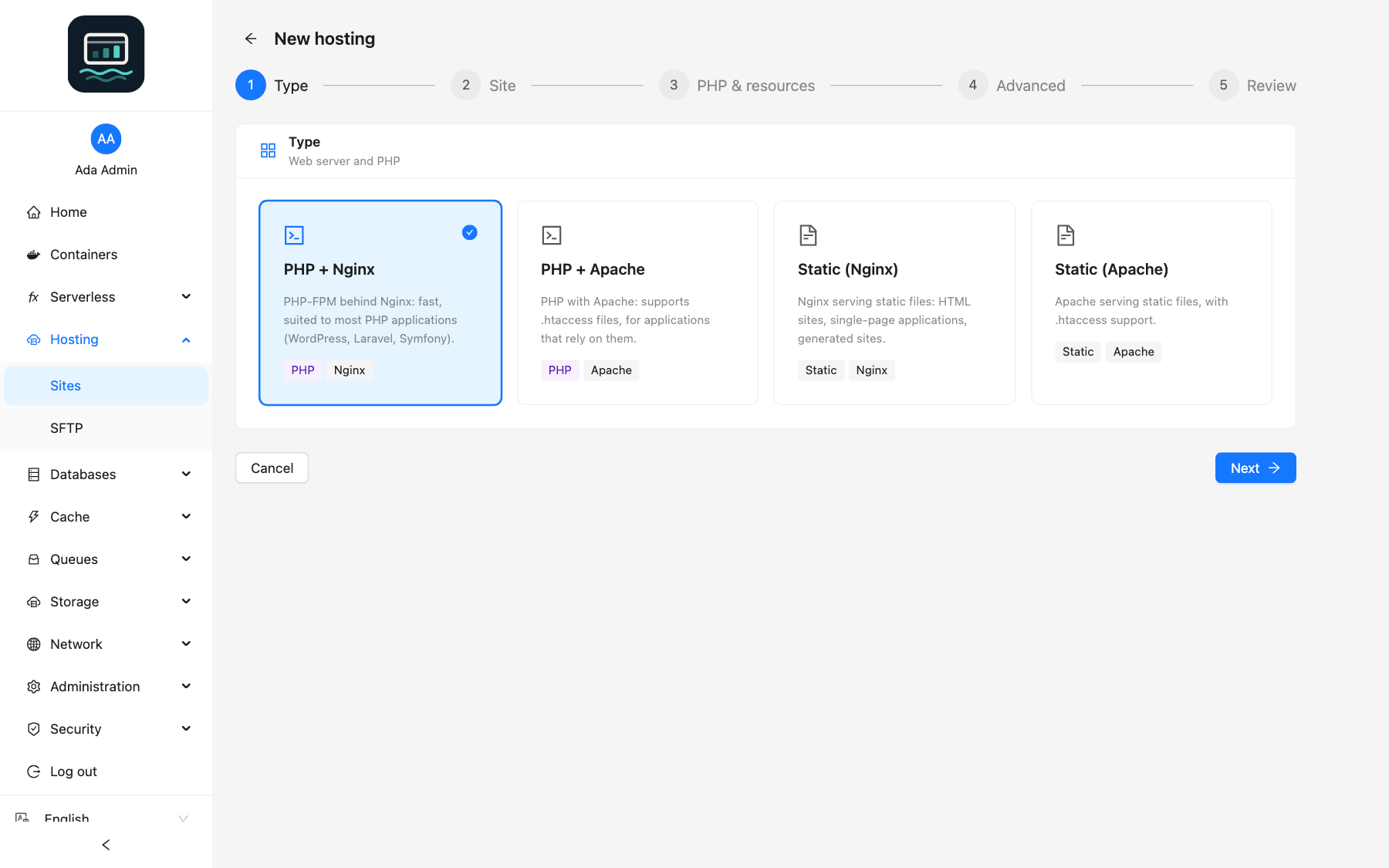
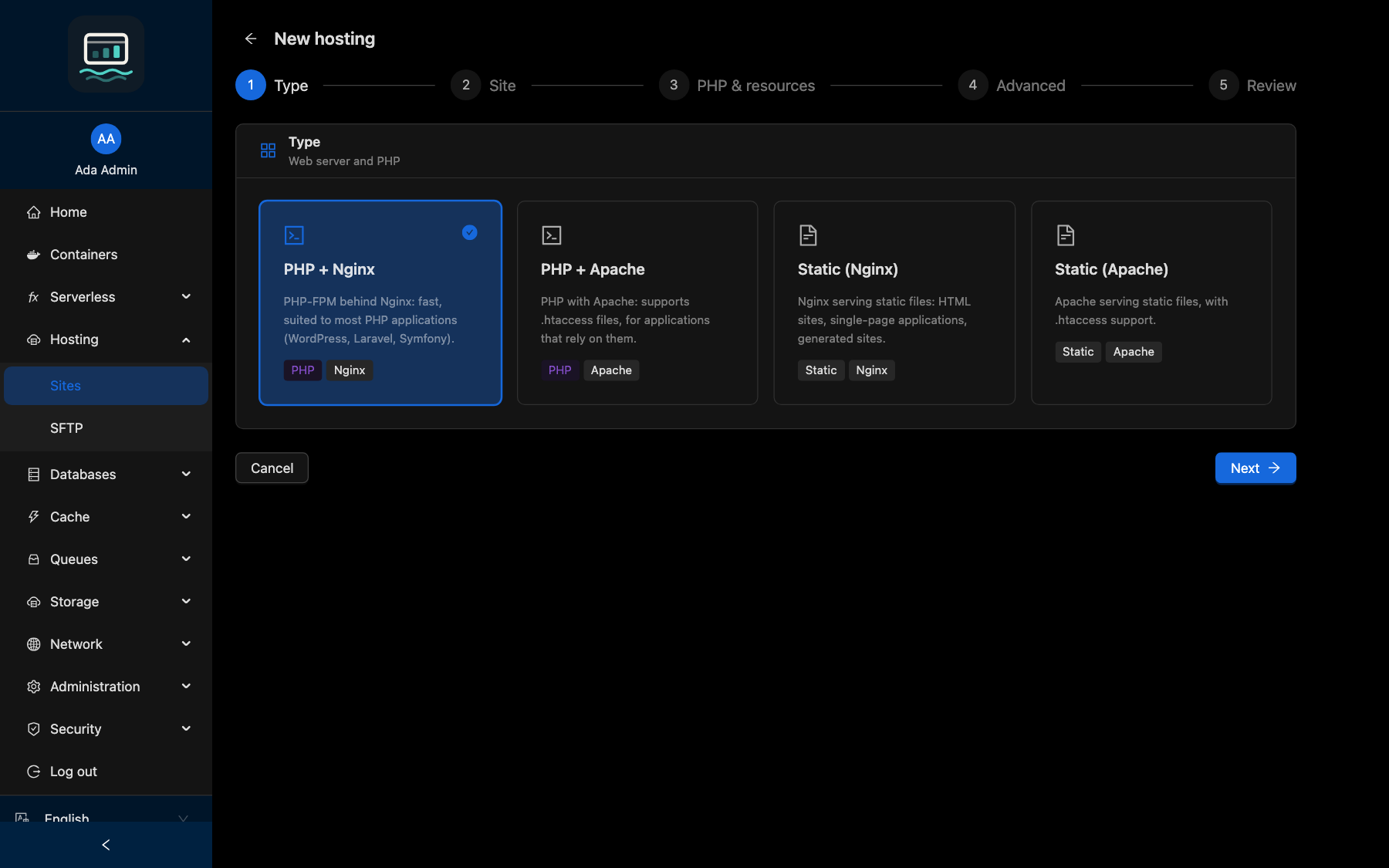
Open Hosting → Sites and click New hosting.
-
Follow the steps:
Step What you choose Type The template (table below) Site Name, Site directory (new, or an existing one shared with SFTP users), Document root, Domains, HTTPS, Redirect HTTP to HTTPS PHP & resources PHP version, memory and CPU limits, php.inisettings, PHP modulesAdvanced Routing (Symfony, Laravel or custom rules), Environment variables, extra php.iniand virtual host directives, NetworksReview Check, then Create the hosting -
Follow the deployment in the Last operation tab of the site.
loch hosting create blog --template php-nginx --php 8.4 --domain blog.example.com --https --redirect-https
Every flag: CLI hosting guide.
Templates
| Template | Label | For |
|---|---|---|
php-nginx | PHP + Nginx | Most PHP applications (WordPress, Laravel, Symfony) |
php-apache | PHP + Apache | Applications that rely on .htaccess |
nginx | Static (Nginx) | HTML sites, single-page applications |
apache | Static (Apache) | Static files with .htaccess support |
Templates use the webdevops images. PHP versions: 8.5, 8.4, 8.3, 8.2, 8.1, 8.0, 7.4 (each also as -alpine) and 5.6. 8.4 is preselected. A version whose security support has ended is tagged Deprecated.
Domains and HTTPS
Traefik routes the domains to the site. Turn on HTTPS only once the DNS of every domain points to the server: otherwise the certificate cannot be issued.
Limits
| Setting | Rule |
|---|---|
| Name | Lowercase letters, digits, dashes, 32 characters max. Cannot be changed later |
| Domains | 20 max |
| Environment variables | 100 max. Variables managed by the panel (PHP_*, WEB_DOCUMENT_ROOT, APPLICATION_*, CONTAINER_*, LD_*) are refused |
| Memory limit | Off (unlimited), or 64 MB up to HOSTING_MAX_MEMORY_MB |
| CPU limit | Off (unlimited), or 0.1 up to HOSTING_MAX_CPUS |
| Networks | 16 max |
When the container reaches its memory limit, Docker kills it: leave the limit off unless you need to cap usage.
Private networks
A site reaches managed services through the networks it joins (for example svc-postgres-17). When the services module is enabled, the shared network services is preselected. See Private networks.
Update a website
- Open the site, tab Settings.
- Change the settings, then click Save and redeploy.
The site directory and the name cannot be changed. Changing the networks redeploys the site (a few seconds of downtime).
loch hosting update blog --domain www.blog.example.com
Redeploy, start, stop
| Action | Effect |
|---|---|
| Redeploy | Recreates the container from the current settings. Tick Pull the latest image to get PHP and web server patches |
| Start / Stop / Restart | Acts on the containers, without changing the files |
loch hosting deploy blog --pull
Delete a website
- Click Delete on the site.
- Tick Also delete the site files only if you want the files gone too.
- Type the site name to confirm.
The files are kept by default. Deleting them is refused while another site uses the same directory.
loch hosting delete blog --purge-data
Deleting the site files cannot be undone. SFTP users of that site lose all their files.
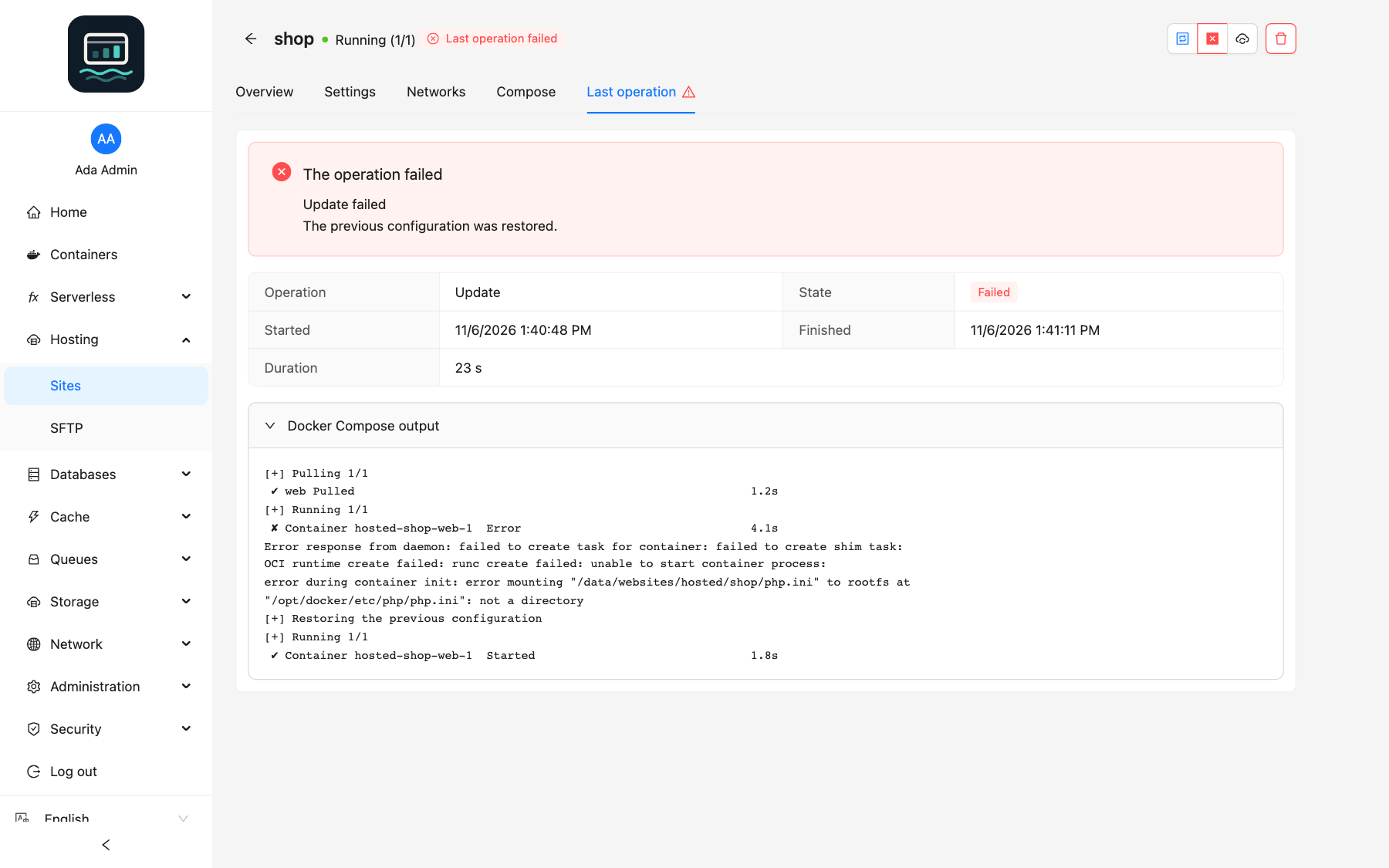
When a deployment fails
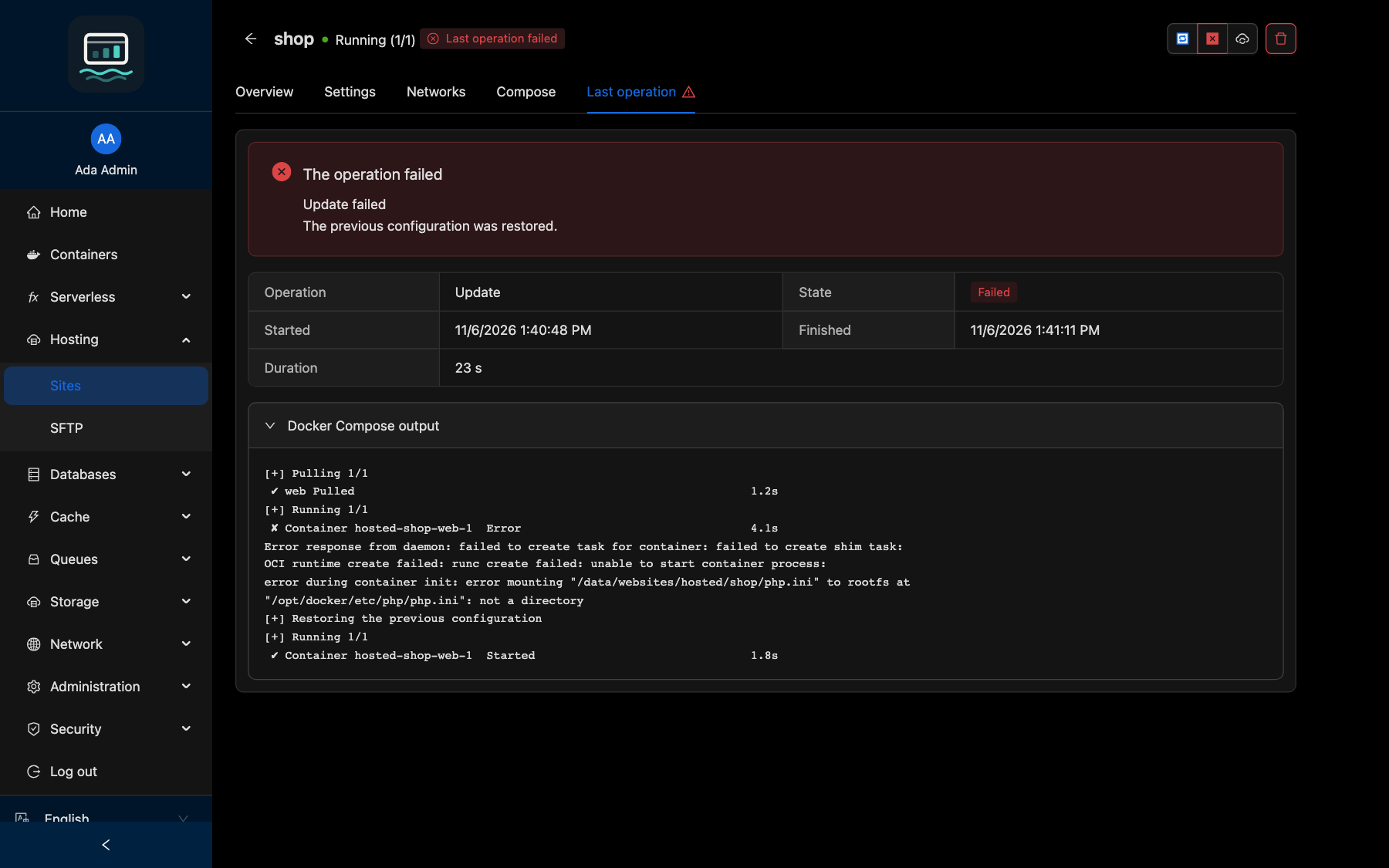
- Update: the previous files are restored and redeployed. The Last operation tab shows The previous configuration was restored. and the Docker Compose output.
- Create or Redeploy: nothing to roll back. Read the output in Last operation, fix the settings, then save again.
Good to know
- A compose file edited by hand is shown Modified manually. Saving the settings then overwrites it (Overwrite manual changes); a redeploy runs it as is only after you confirm.
- Containers run without published ports and with
no-new-privileges. - The ionCube PHP module is disabled by default: it runs encoded PHP and is common in malware.
- PHP in the command line (crons) is never time-limited;
max_execution_timeapplies to web requests only. - The panel only touches the
hosted-*directories it generated: CI stacks in the same directory are never modified.