Functions
Functions are a work in progress: the API, the interface and the CLI exist, but the feature can still change. Runtime updates, external secret stores, public HTTP access and a per-function disk quota are not available yet.
A function runs a handler written for AWS Lambda™ (Node.js, Python, or a compiled bootstrap for Go, Rust…) in its own container on the server, started by Loch Lambda Runtime. The same code also runs on AWS Lambda without changes.
Admin only. The administrator enables the module first: see Functions module. The page is Serverless → Functions.
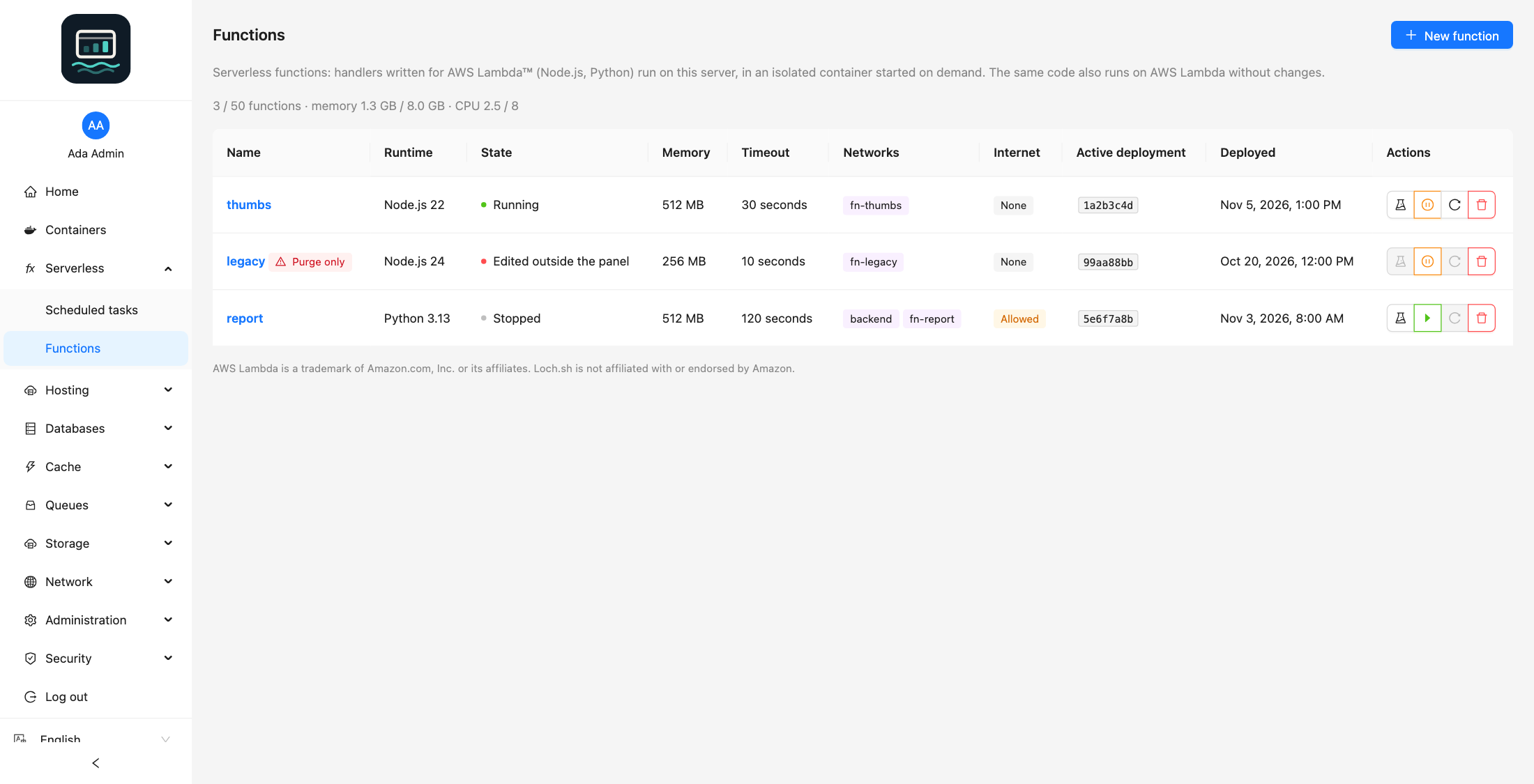
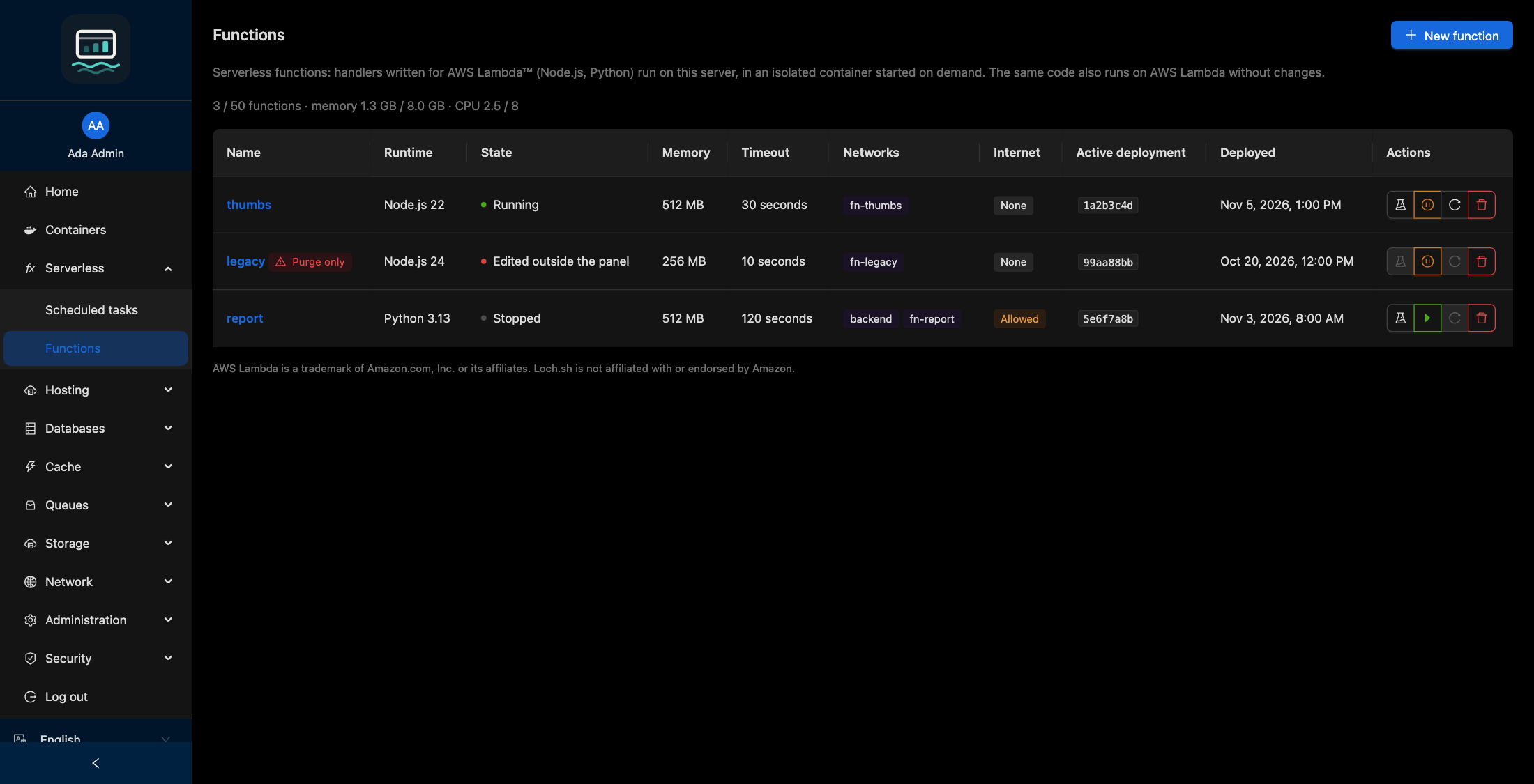
Create a function
-
Click New function.
-
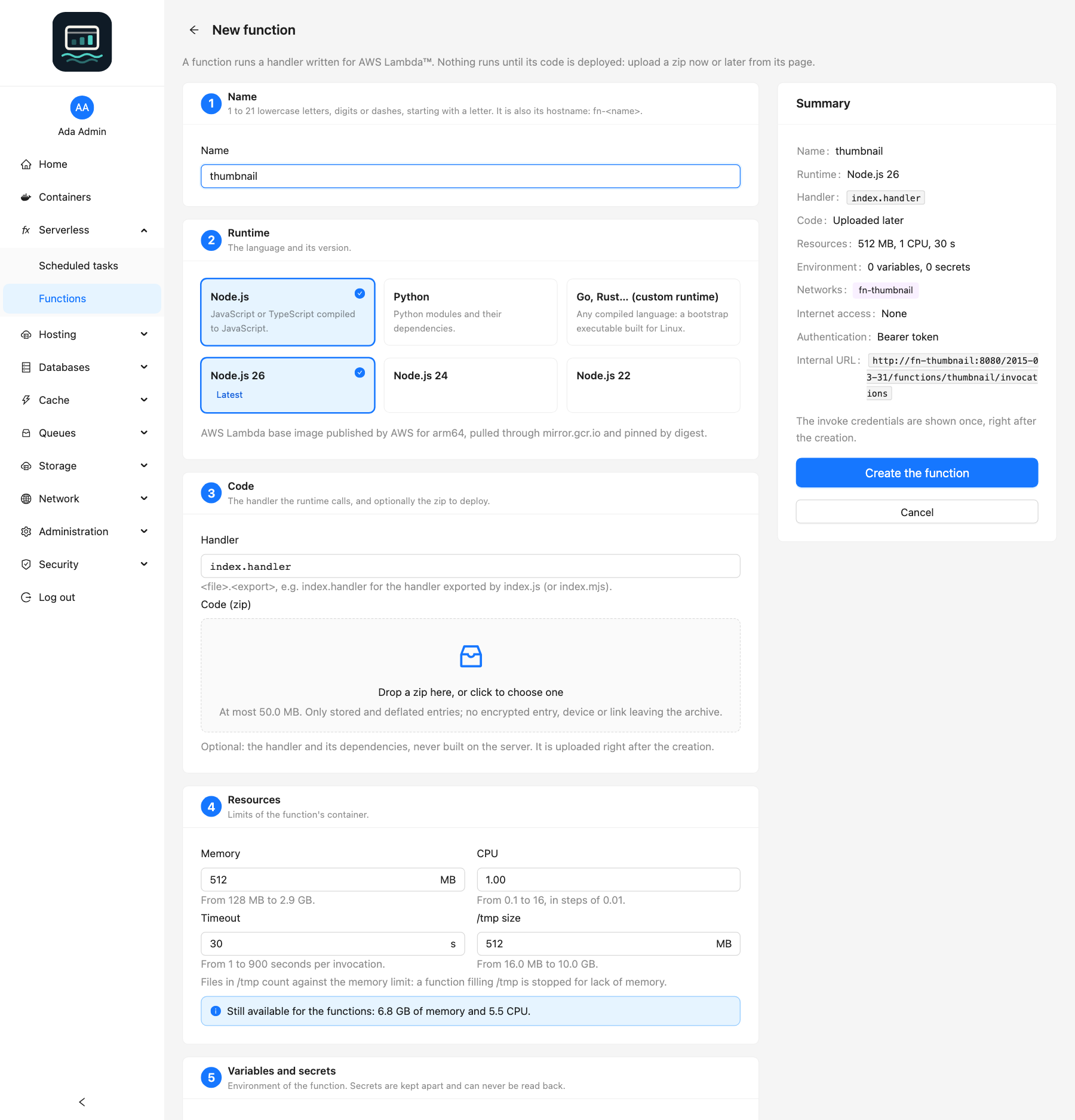
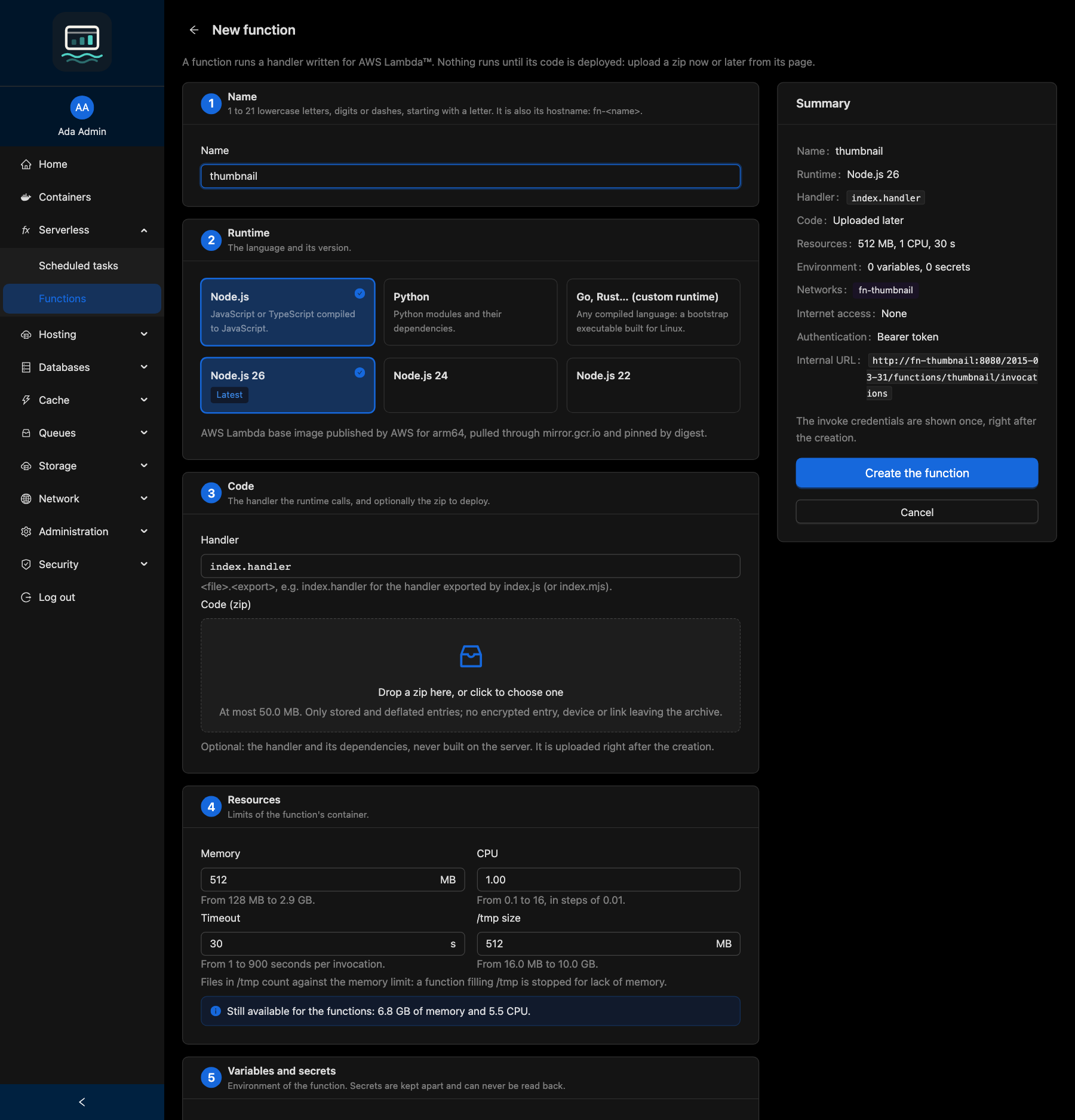
Fill in the sections:
Section What you choose Name 1 to 21 lowercase letters, digits or dashes, starting with a letter. It is also the host name fn-<name>. Cannot be changedRuntime Node.js, Python or Go, Rust… (custom runtime), and the Version Code The Handler and, optionally, the Code (zip) to deploy right away Resources Memory, CPU, Timeout, /tmp size Variables and secrets Variables (written in the compose file) and Secrets (kept apart, never shown again) Network access The Dedicated network fn-<name>, Other private networks, Internet accessInvocation SigV4 callers (AWS SDK), on top of the bearer token -
Click Create the function.
-
Copy the invoke credentials, then click I have copied the credentials. They are shown once.
Nothing runs until code is deployed. Every CLI flag: CLI functions guide.
Handler
| Runtime | Handler | Example |
|---|---|---|
| Node.js | <file>.<export> | index.handler (exported by index.js or index.mjs) |
| Python | <module>.<function> | lambda_function.lambda_handler, app.main.handler |
| Custom runtime | Optional, passed to the bootstrap as _HANDLER | Empty: bootstrap |
Resources
| Setting | Range | Default |
|---|---|---|
| Memory | 128 MB to the server maximum | 512 MB |
| CPU | 0.1 to 16, in steps of 0.01 | 1 |
| Timeout | 1 to 900 seconds per invocation | 30 s |
| /tmp size | 16 MB to 10 GB | Set by the server (512 MB by default) |
Files in /tmp count against the memory limit. The list page shows how much of the server budget the functions already use.
Deploy code
The code is a zip with the handler and its dependencies at its root (node_modules, packages installed with pip install -t .). Nothing is built on the server.
- Open the function, tab Code.
- Drop the zip under Deploy new code.
The zip becomes a new deployment, active at once. If it does not start, the previous one is started again. The Deployments table keeps the last ones (3 by default): click Roll back (or Activate) to go back to one.
For the custom runtime, the zip holds an executable named bootstrap at its root, built for Linux and the server's architecture. See Custom runtimes.
Test
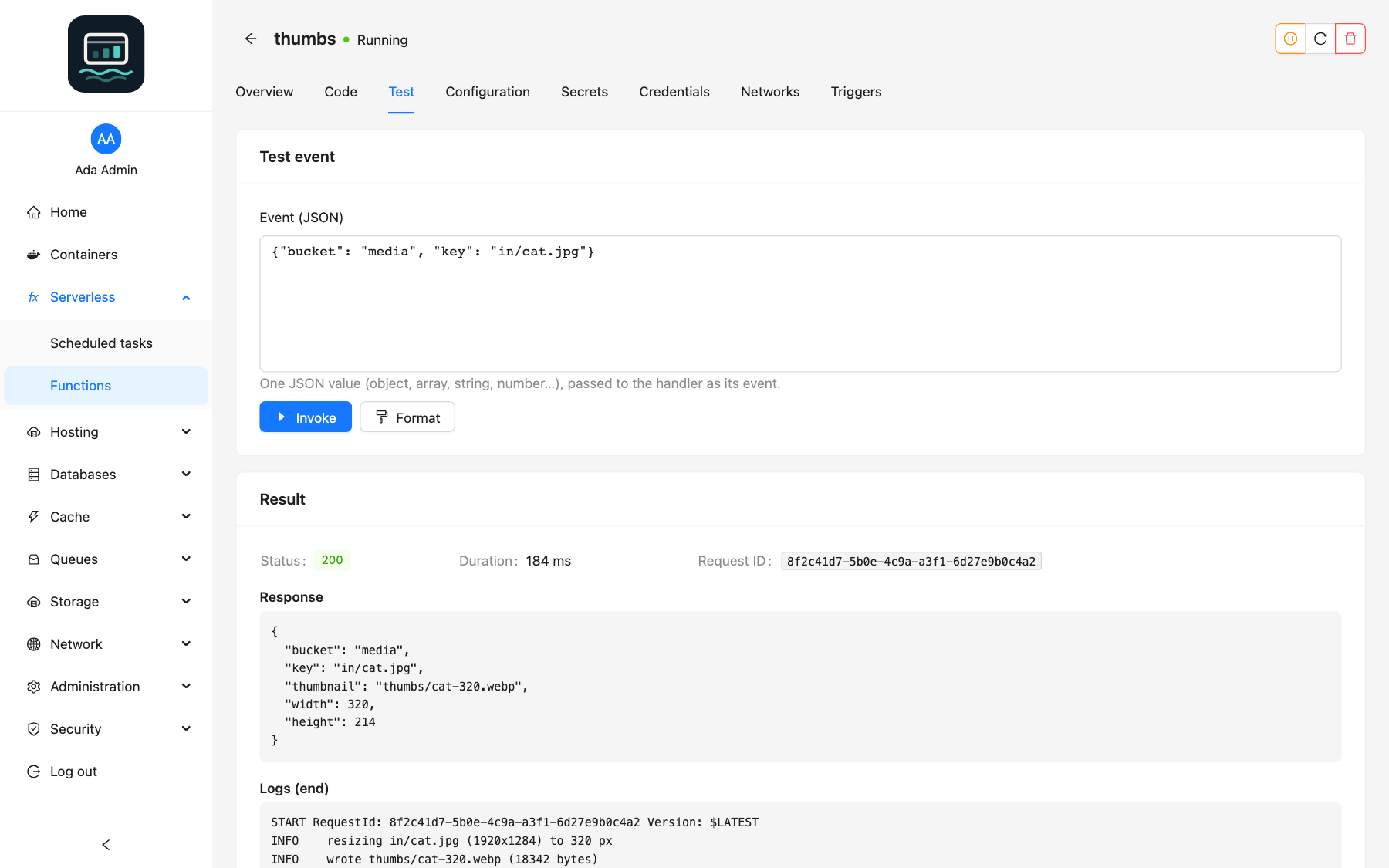
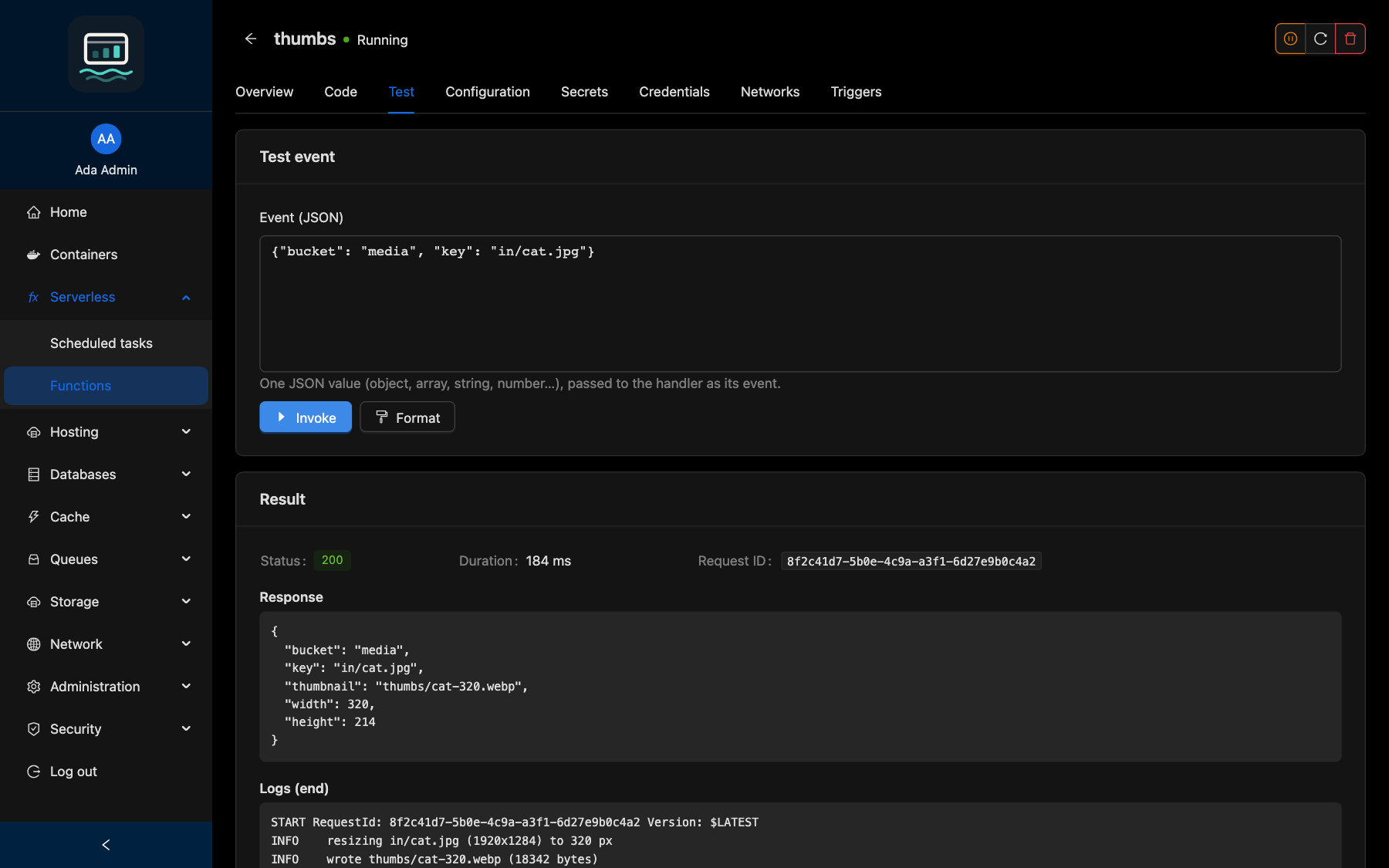
In the Test tab, type an Event (JSON), then click Invoke. The Result shows the status, duration, request ID, the response and the end of the logs. The function must be running.
Function page tabs
| Tab | Use |
|---|---|
| Overview | State, runtime, image, limits, Internal URL |
| Code | Deploy a zip, list, activate or roll back deployments |
| Test | Invoke with an event |
| Configuration | Resources, handler and variables; Invocable by MCP clients |
| Secrets | Add, replace or remove a secret. Values are never shown |
| Credentials | Rotate the invoke credentials, accept or refuse SigV4 callers |
| Networks | Connect or disconnect private networks, allow Internet access |
| Triggers | Scheduled tasks invoking the function: Schedule an invocation |
Changing the configuration, a secret, a network or the Internet access recreates the container of a running function: an invocation in progress is cut. A stopped function stays stopped: a new configuration applies at its next start.
Call a function from a site or a service
The function answers only the members of its networks, at its Internal URL (http://fn-<name>:8080/2015-03-31/functions/<name>/invocations), with its credentials:
- a bearer token (
Authorization: Bearer <token>); - with SigV4 callers (AWS SDK) on, an access key pair for the AWS SDKs (
endpoint-urlhttp://fn-<name>:8080, regionus-east-1). The function code can read this key pair.
Attach the site or service to the function's network: on its Networks tab, or from Private networks. The panel's own invocations (Test, scheduled tasks) need no credential. Request format: Invoke API.
States
| State | Meaning |
|---|---|
| No code | Created, no code deployed yet |
| Running | Answers invocations |
| Stopped | Start it to invoke it |
| Missing | Code deployed, no container: start it again |
| Edited outside the panel | Its compose project was changed by hand: the panel never runs it. Purge it |
| Not verified | A container runs but is not the one the panel created: restart the function |
| Unreadable | Its reference file is unreadable: Purge it |
Delete
Click Delete on the function and type its name. The container, code, deployments, secrets, credentials and the network fn-<name> are deleted (the network is kept while other members use it). Scheduled tasks invoking it are disabled, not deleted.
Good to know
- With Internet access, the code can send its data and secrets anywhere, and reach the host, the LAN and cloud metadata endpoints unless firewall rules block them. It is off by default.
- A function never joins the
servicesnetwork. It keeps at least one network. - Invocable by MCP clients is a guard-rail for AI assistants using
loch mcp, not an access control: see MCP tools. - What a function returns or logs is untrusted data: the panel shows it as text only.
- Function containers are protected: no shell, file copy or container action from the Containers page. Use the function page.