API keys
An API key lets the loch CLI, its MCP server or a script act on the panel in your name. Every user manages their own keys on the API keys page (menu Administration).
Create a key
- Click New key.
- Fill in the form:
| Field | Value |
|---|---|
| Name | A name to recognize the key, for example CLI MacBook Pro |
| Validity period (days) | From 1 to 365 days (90 by default) |
| Permissions | All permissions, or only the ones the key needs |
- Click Create.
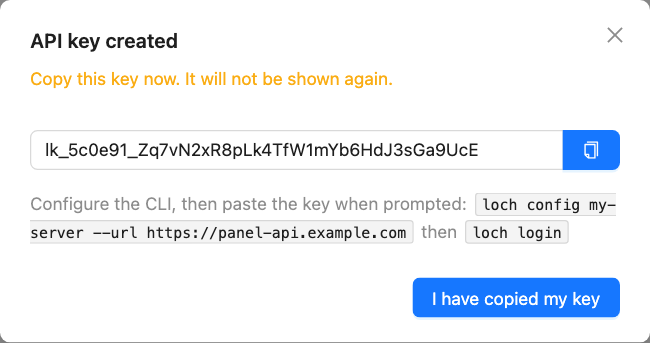
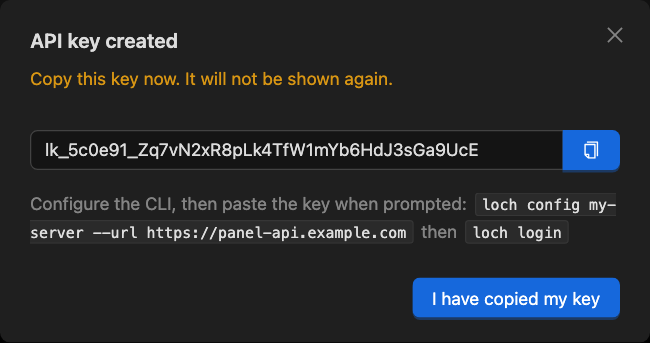
- Copy the key, then click I have copied my key.
warning
The key is shown only once. If you lose it, revoke it and create a new one.
The dialog also shows the commands to configure the CLI:
loch config my-server --url https://panel-api.example.com
loch login
Paste the key when loch login asks for it. See Install the CLI.
Permissions
A key never grants more than your profile: an administrator permission on a user's key gives nothing. Choose the narrowest set, for example Read (list, inspect) and Logs (download, streaming) for a monitoring script.
Full list: API key scopes.
The key list
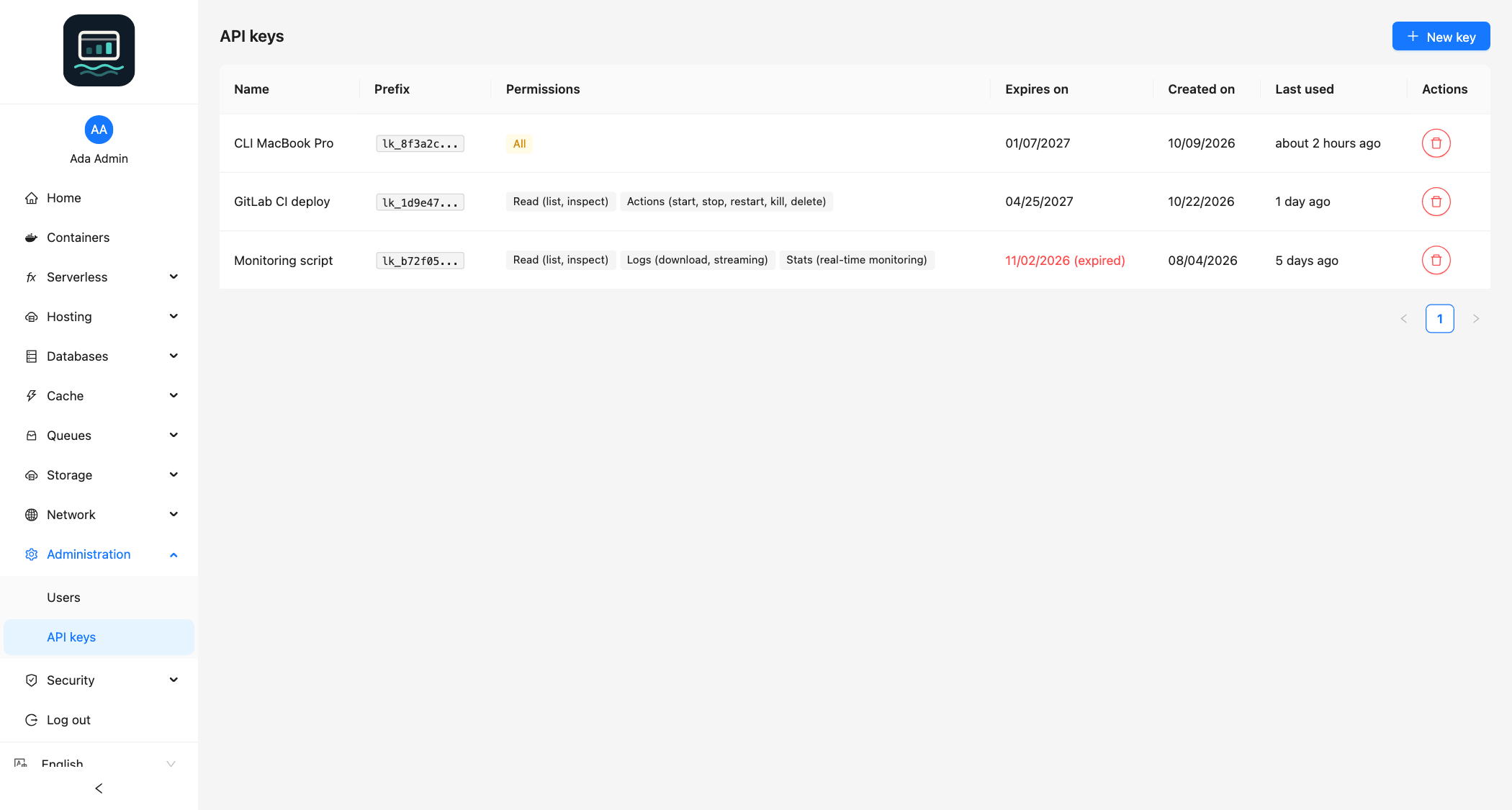
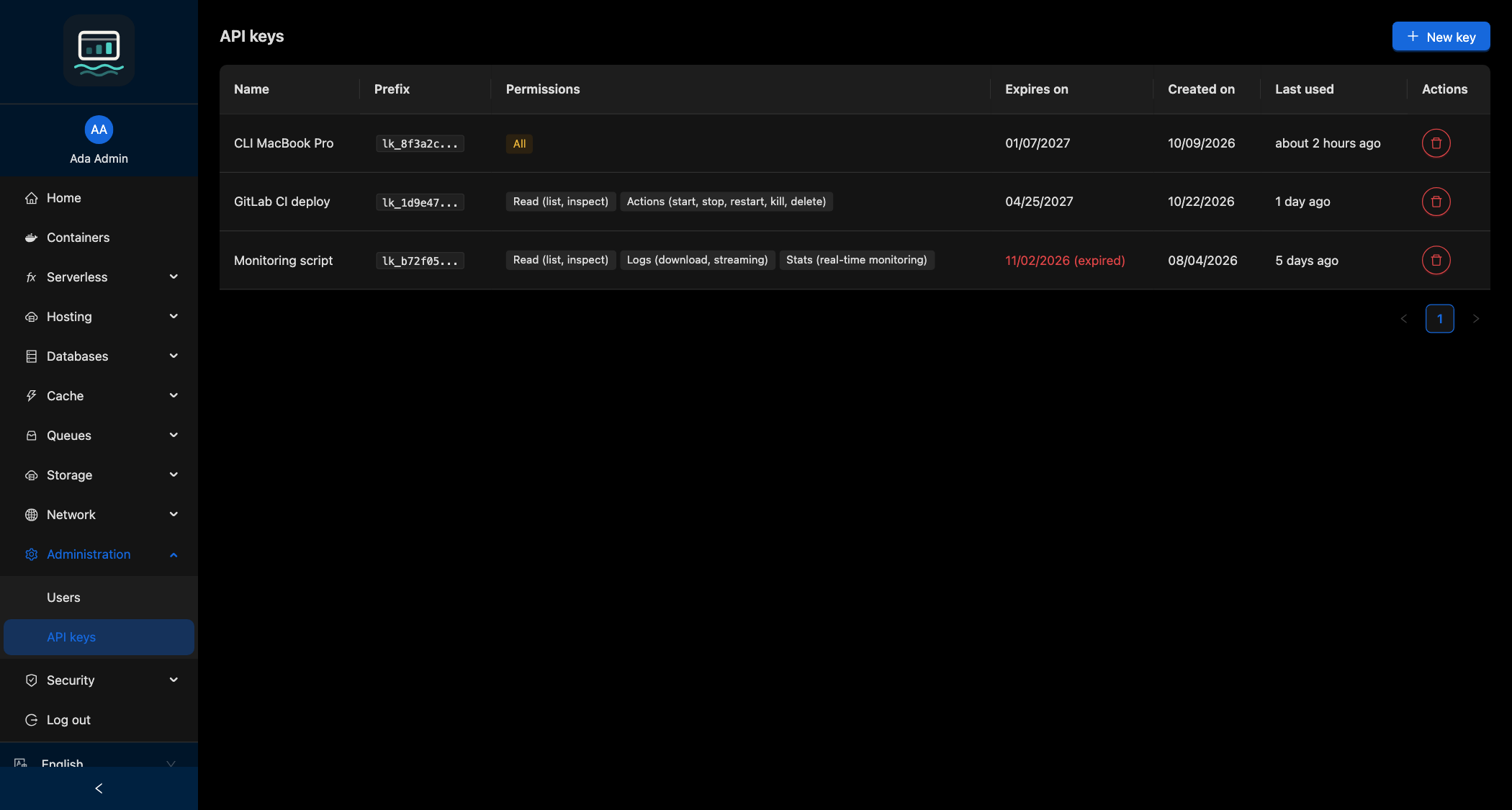
| Column | Content |
|---|---|
| Prefix | The first characters of the key, to identify it |
| Permissions | The granted permissions, or All |
| Expires on | Expiry date; (expired) once it has passed |
| Last used | Last request made with the key |
To revoke a key, click Revoke on its row and confirm. This cannot be undone.
Good to know
- 20 keys at most per user.
- A key created with a limited key cannot have more permissions than that key.
- Deleting your user revokes all your keys.
- Store the key like a password: anyone who has it acts as you.